Activity
Administration → Activity — what the system has done and what has been changed. Needs inventory:admin. Three tabs.
Jobs
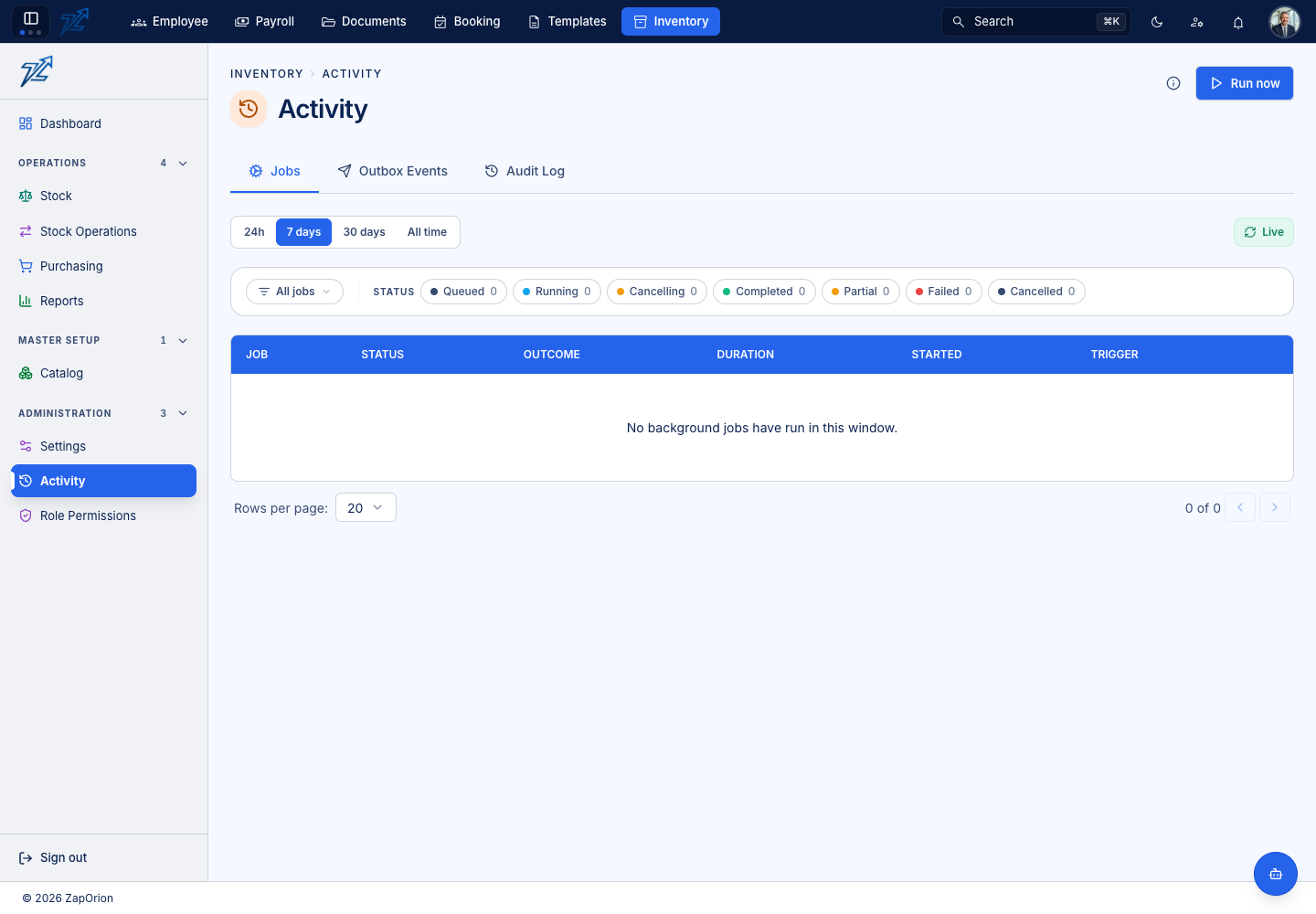
Background jobs: the daily checks (low stock, batch expiry, purchase-order overdue reminders), email delivery, and imports you started. Choose a window — 24h, 7 days, 30 days or All time — and a job type. The status counters show Queued, Running, Cancelling, Completed, Partial, Failed and Cancelled; the table shows each job's status, outcome, duration, start time and trigger. Live keeps it refreshing. Cancel takes a queued job off the queue and Stop ends a running one after the item in hand, where the job supports it. Run now (top right) starts a check immediately instead of waiting for its schedule.
Outbox Events
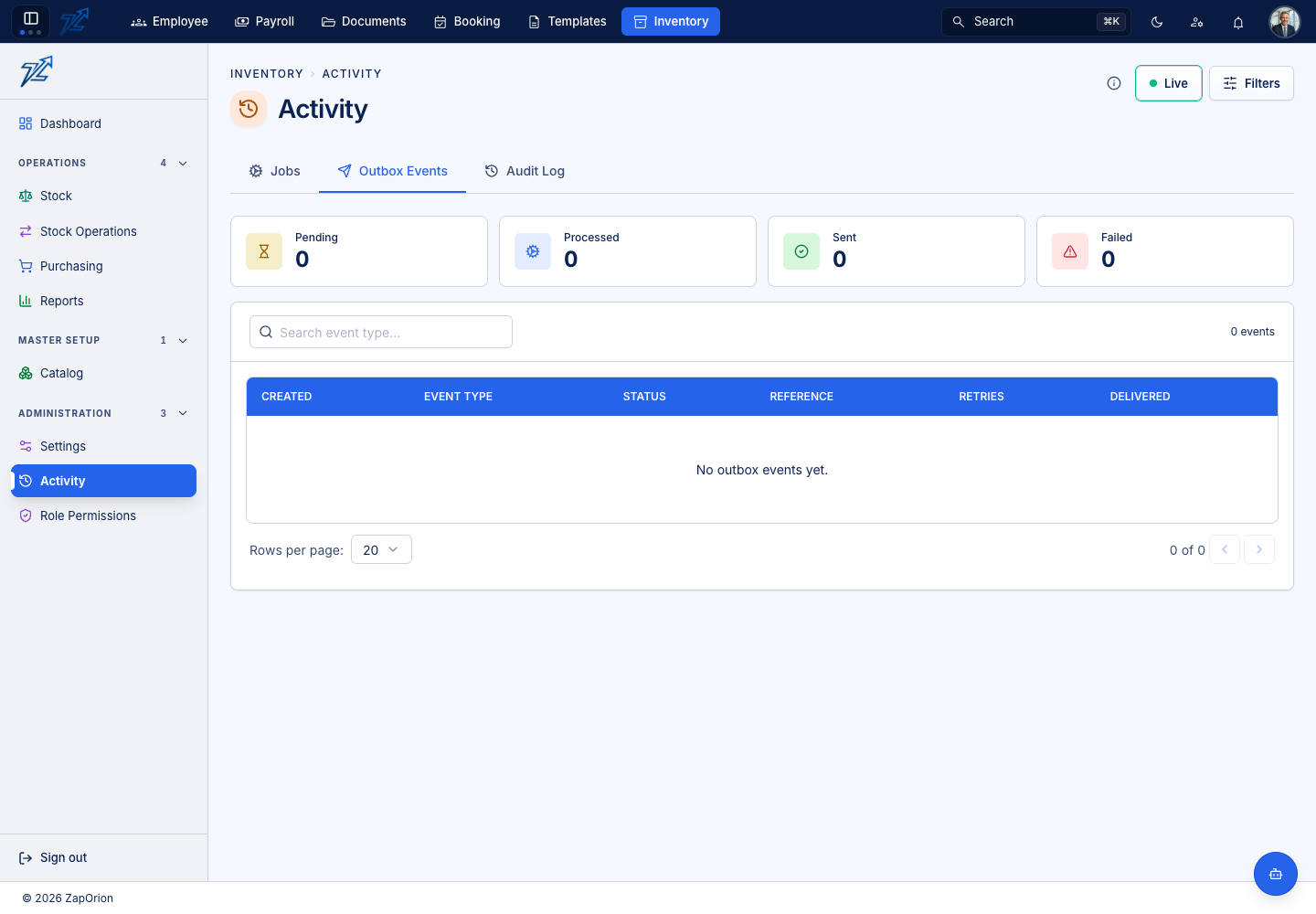
Emails are first written to a queue and then delivered. This tab shows Pending, Processed, Sent and Failed counts and each message: Created, Event type, Status, Reference, Retries and Delivered. A failed message is retried automatically.
Audit Log
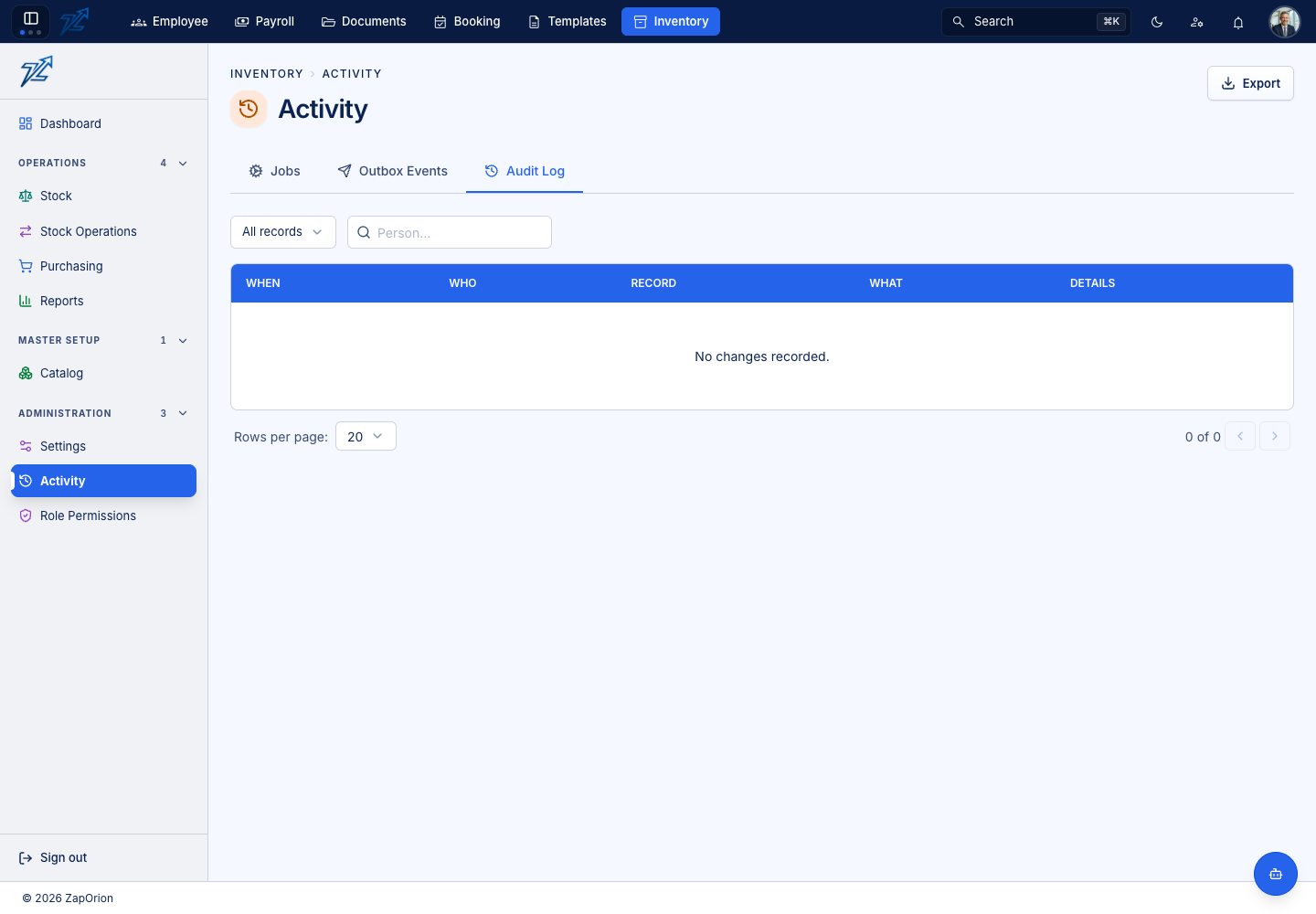
Every change to a record — created, updated (with before and after) and status changes such as a purchase order being approved — with When, Who, Record, What and Details. Filter by record type and Export the result. A document's own History panel shows the same entries for that one document.