Role permissions
Administration → Role Permissions — map each role to the inventory permissions. Needs catalog:manage.
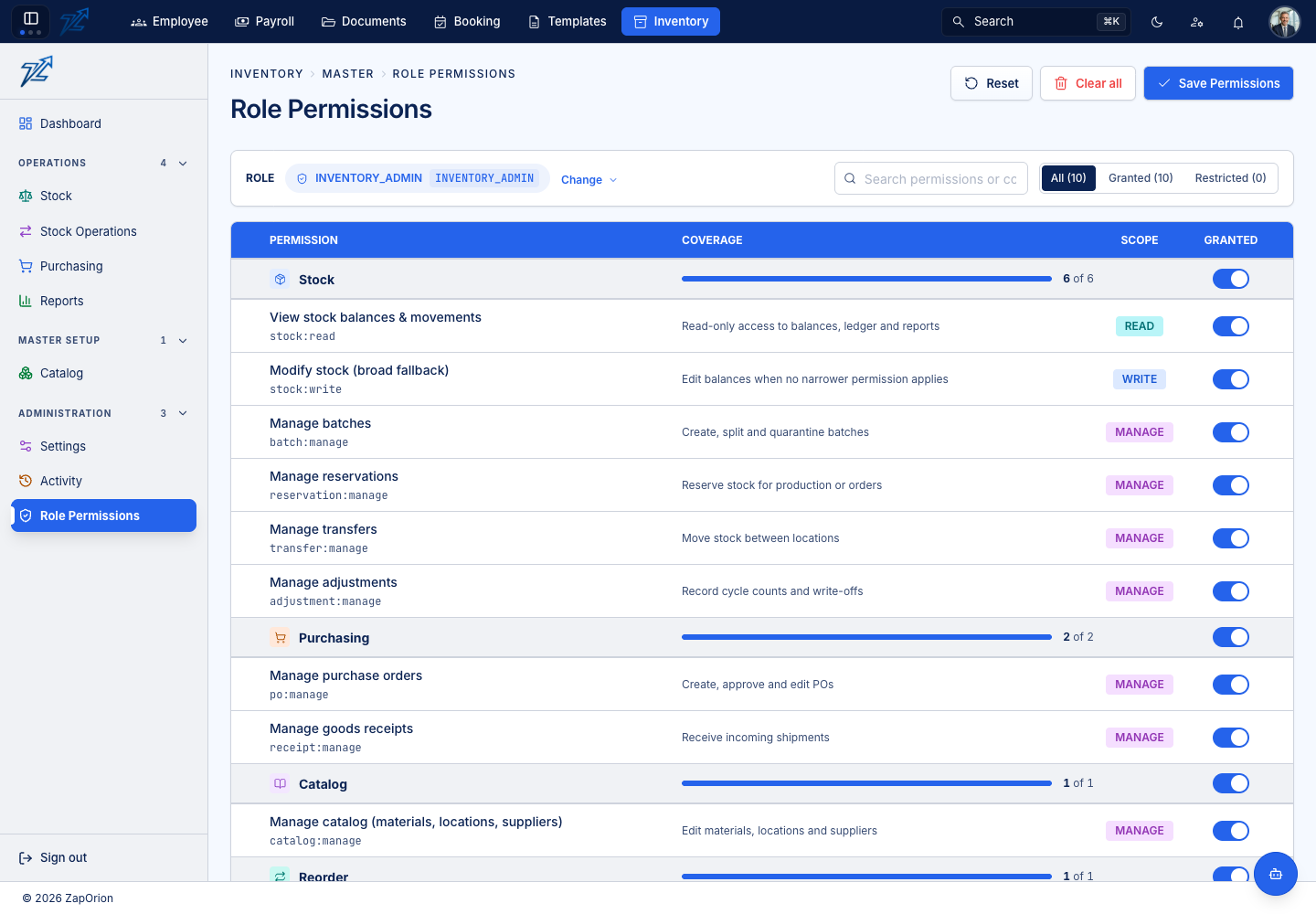
- Pick the Role (for example
INVENTORY_ADMIN) and choose Change to switch. - Filter with All, Granted and Restricted, which show counts.
- Each permission shows its key (for example
stock:read), a description and a scope badge (Read, Write, Manage, Approve, Admin). Groups such as Stock show how many are granted, for example 6 of 6. - Toggle what the role should hold, then Save Permissions. Reset discards unsaved changes and Clear all withdraws everything from the role.
The full list and what each permission allows is in Roles and access. Roles themselves come from the identity provider.