Settings
Administration → Settings — how the organisation's inventory behaves. Needs inventory:admin. Two tabs: Configuration and Notifications.
Notifications
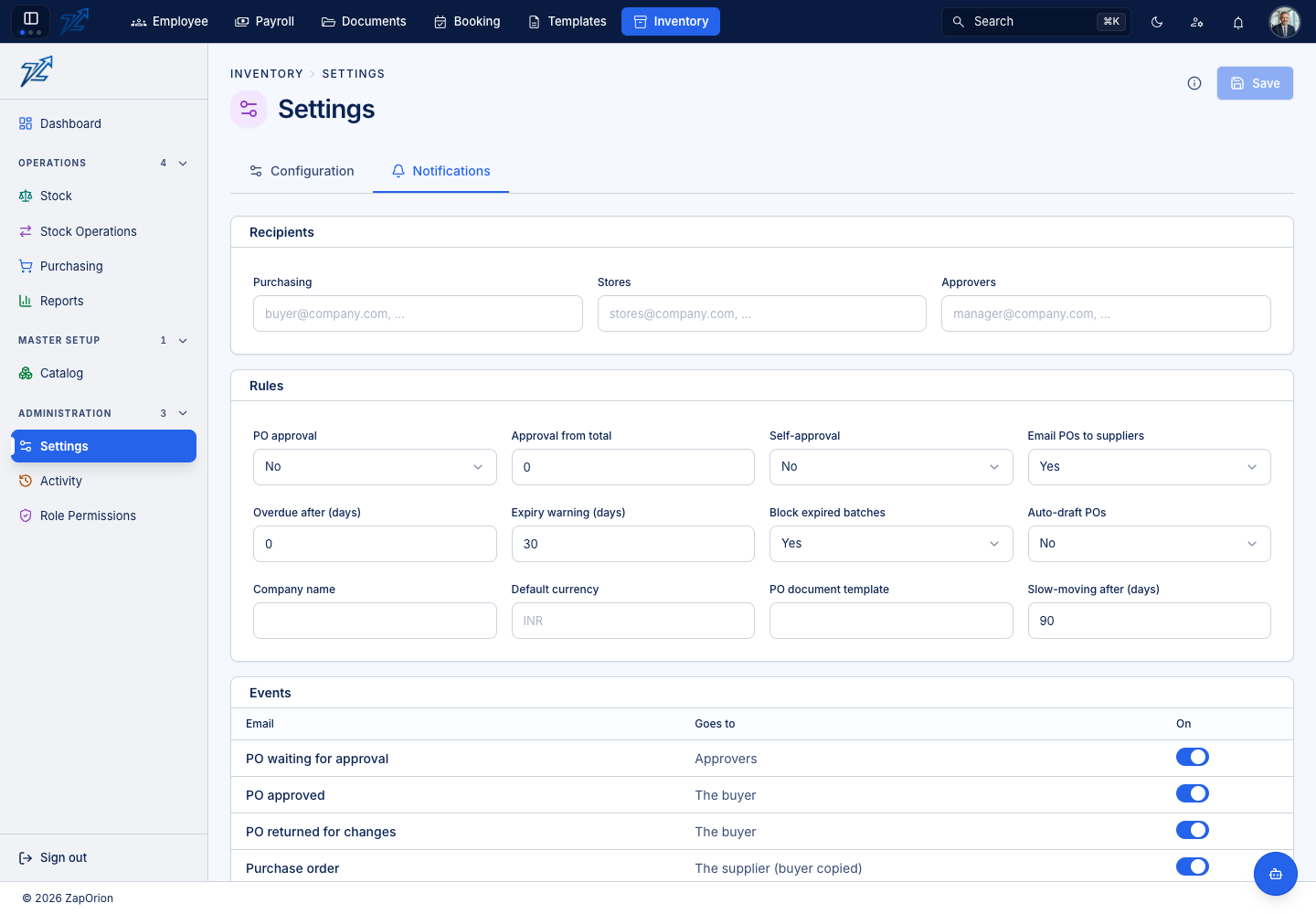
This tab holds three things. Make changes, then Save.
Recipients
Comma-separated email addresses for three audiences:
| Audience | Receives |
|---|---|
| Purchasing | Overdue-order reminders, goods-received notices, low-stock and expiry digests |
| Stores | Transfer notices, low-stock and expiry digests |
| Approvers | Anything waiting for approval — purchase orders, adjustments, stock counts |
Rules
| Rule | Effect |
|---|---|
| PO approval | Turns purchase-order approval on |
| Approval from total | Orders at or above this total need approval; smaller ones do not |
| Self-approval | Lets the person who raised a PO, adjustment or count also approve it (off by default) |
| Email POs to suppliers | Offers to email the supplier when an order is sent |
| Overdue after (days) | How long after the expected date an order counts as overdue |
| Expiry warning (days) | How far ahead the dashboard and expiry digest look (30 by default) |
| Block expired batches | Refuses to issue or reserve an expired batch |
| Auto-draft POs | Drafts purchase orders automatically when stock falls below a reorder level |
| Company name | Printed on documents and used in emails |
| Default currency | The currency for amounts |
| PO document template | The template used when a purchase order is printed or emailed |
| Slow-moving after (days) | The idle period for the slow-moving report (90 by default) |
Events
One row for each email the module can send, with an Email switch and who it Goes to. Switch off the ones you do not want:
- PO waiting for approval (approvers), PO approved and PO returned for changes (the buyer), Purchase order (the supplier), PO overdue (purchasing and the buyer)
- Goods received (purchasing and the buyer), Goods returned (the supplier)
- Adjustment waiting for approval (approvers), Adjustment approved / rejected (who raised it)
- Transfer on its way and Transfer received (stores and the receiving location)
- Count waiting for approval (approvers), Count approved / sent back (the counter)
- Delivery note (the customer, when a sale is issued)
- Low stock digest and Expiry digest (purchasing and stores, daily)
Configuration
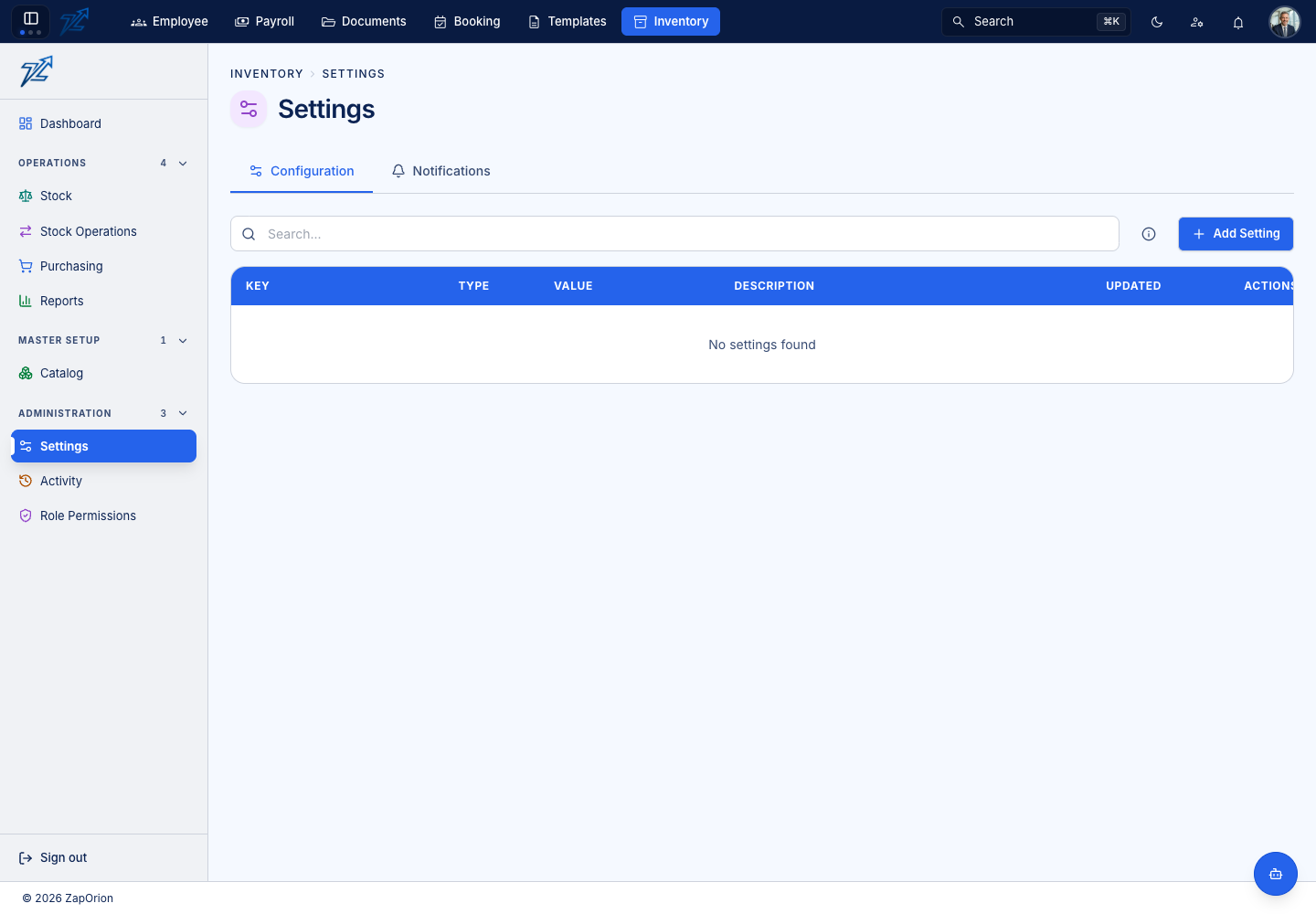
A table of Key, Type, Value, Description, Updated with Add Setting, edit and delete. These are the platform's generic tenant settings, shared with other modules. The inventory rules above are edited on the Notifications tab, not here.