Locations
Master Setup → Catalog → Locations — where stock is held. Everyone with stock:read can see them; creating and editing needs catalog:manage.
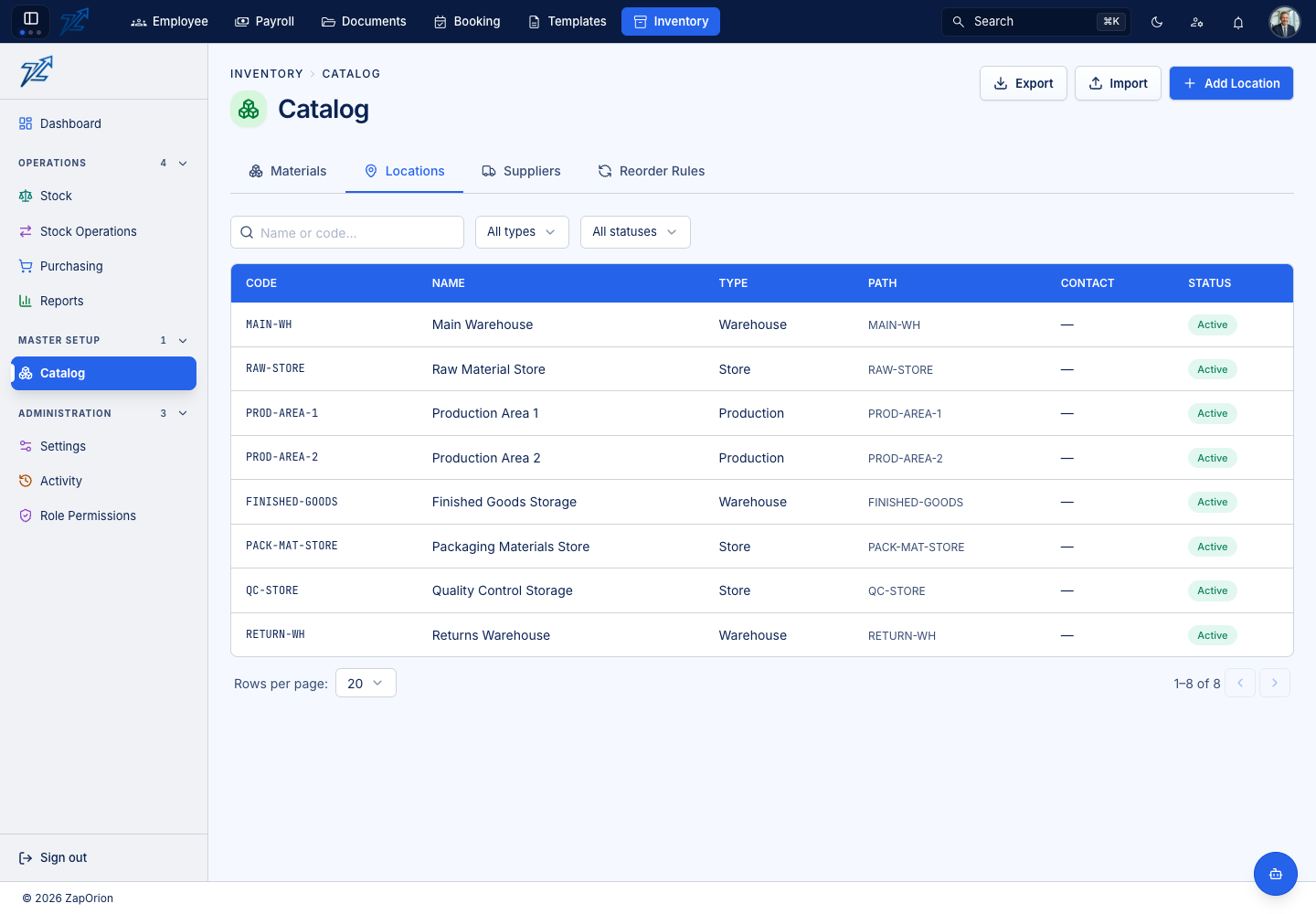
Locations form a tree: a warehouse, store or production area contains zones, which contain bins. The list shows Code, Name, Type, Path (the chain from the top, for example MAIN-WH), Contact and Status. Export and Import are offered, and Add Location opens the form.
The form
Code *, Name *, Type — Warehouse, Store, Production, Zone (inside a location) or Bin (inside a zone) — and Inside (the parent location, for a zone or bin), a Contact email (used to notify a receiving location about transfers) and Status, plus an address.
A location's page
Opens the location with what it holds: the materials on hand there, with batch, reserved and available quantities and value.
How locations are used
Every balance belongs to a location. Issues leave from one, receipts arrive at one, transfers move between two, and counts are taken at one. A transfer's receiving contact is the nearest parent location that has a contact email.