Reorder rules
Master Setup → Catalog → Reorder Rules — the minimum you want to keep. Needs reorder:manage.
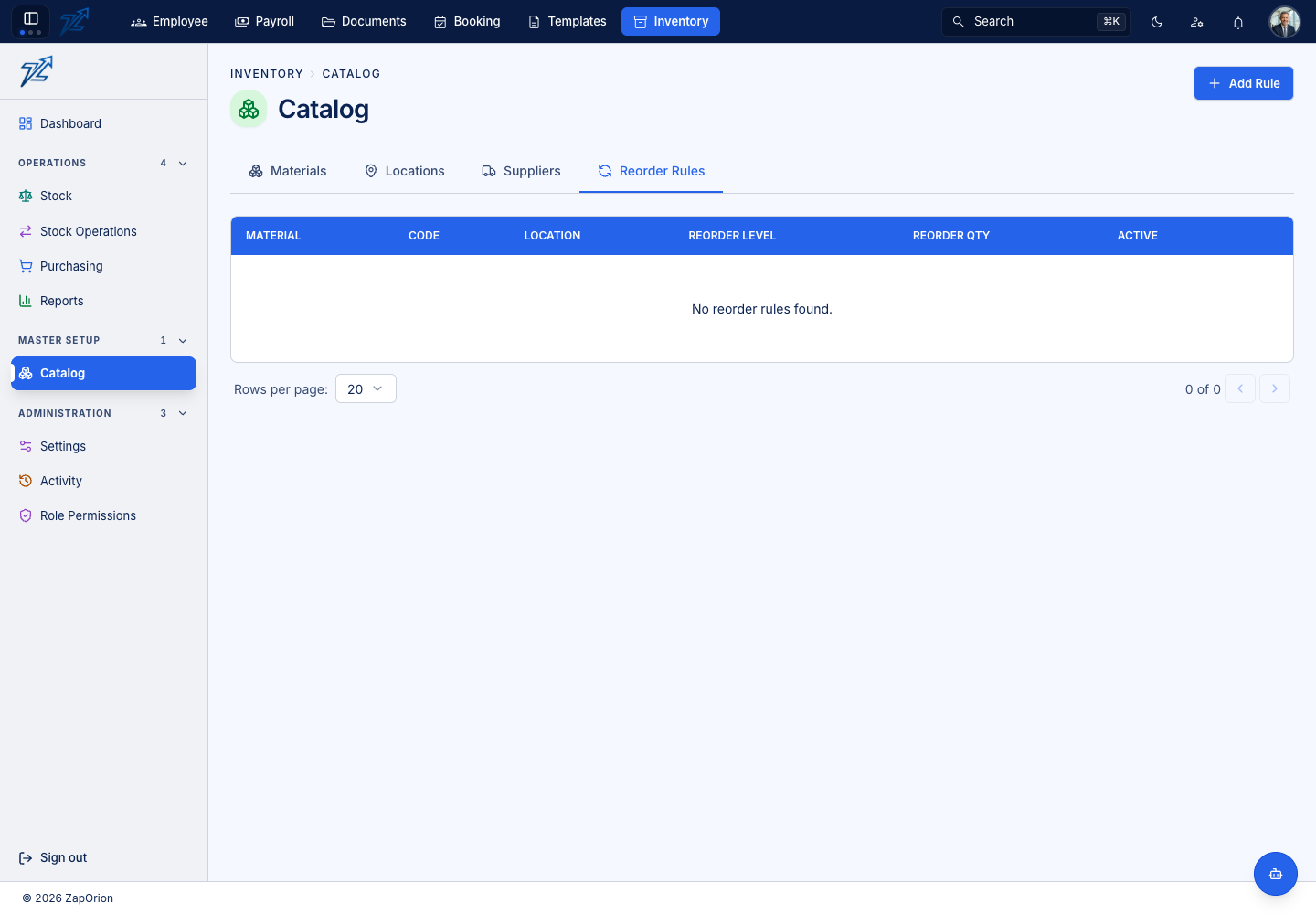
The list shows Material, Code, Location, Reorder level, Reorder qty and Active.
Adding a rule
Add Rule asks for the Material, a Location — or Global (no location) to apply across all locations — the Reorder level and the Reorder quantity (how much to order when it is reached). A rule can be Edited or Deleted (with a confirmation) and switched Active or not. A material's own Reorder at and Reorder quantity on its form set the default level.
What a rule does
- A material at or below its level appears on Low Stock and counts on the dashboard's Low stock counter. Quantity already on order is shown so you are not prompted to order twice.
- You can draft purchase orders from the alerts.
- If Auto-draft POs is on in Settings, drafts are created for you when stock falls below a level.
- A daily low-stock digest email goes to the purchasing and store teams, if enabled.