Suppliers
Master Setup → Catalog → Suppliers — who you buy from. Everyone with stock:read can see them; creating and editing needs catalog:manage.
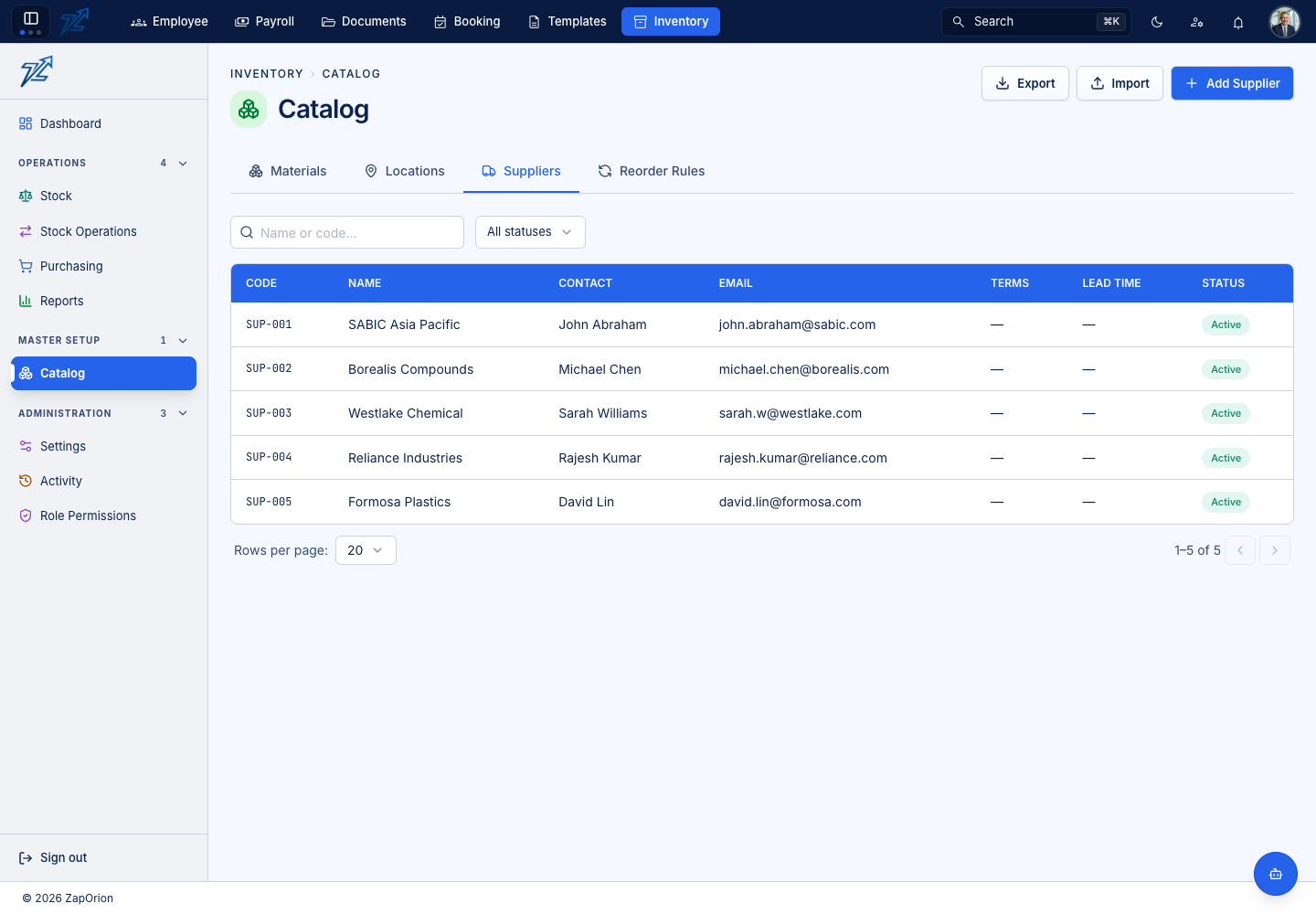
The list shows Code, Name, Contact, Email, Terms, Lead time and Status. Export, Import and Add Supplier are offered.
A supplier's page
Opens the supplier's contact, email, tax ID, payment terms, currency, lead time and address, then:
- Price list — the materials this supplier sells you and at what price (with their SKU, minimum order quantity and lead time where known). Purchase orders prefill prices from here.
- Recent purchase orders — their date, expected date, total and status. No purchase orders until you have placed one.
Suppliers receive purchase-order emails when Email POs to suppliers is on, and supplier-return emails when a return is posted.