Adjustments
Operations → Stock Operations → Adjustments — correcting the ledger when reality differs from it: damage, expiry, loss, a find. Needs adjustment:manage. Adjustments are numbered ADJ- and need approval by someone other than the person who raised them, unless Self-approval is on in Settings.
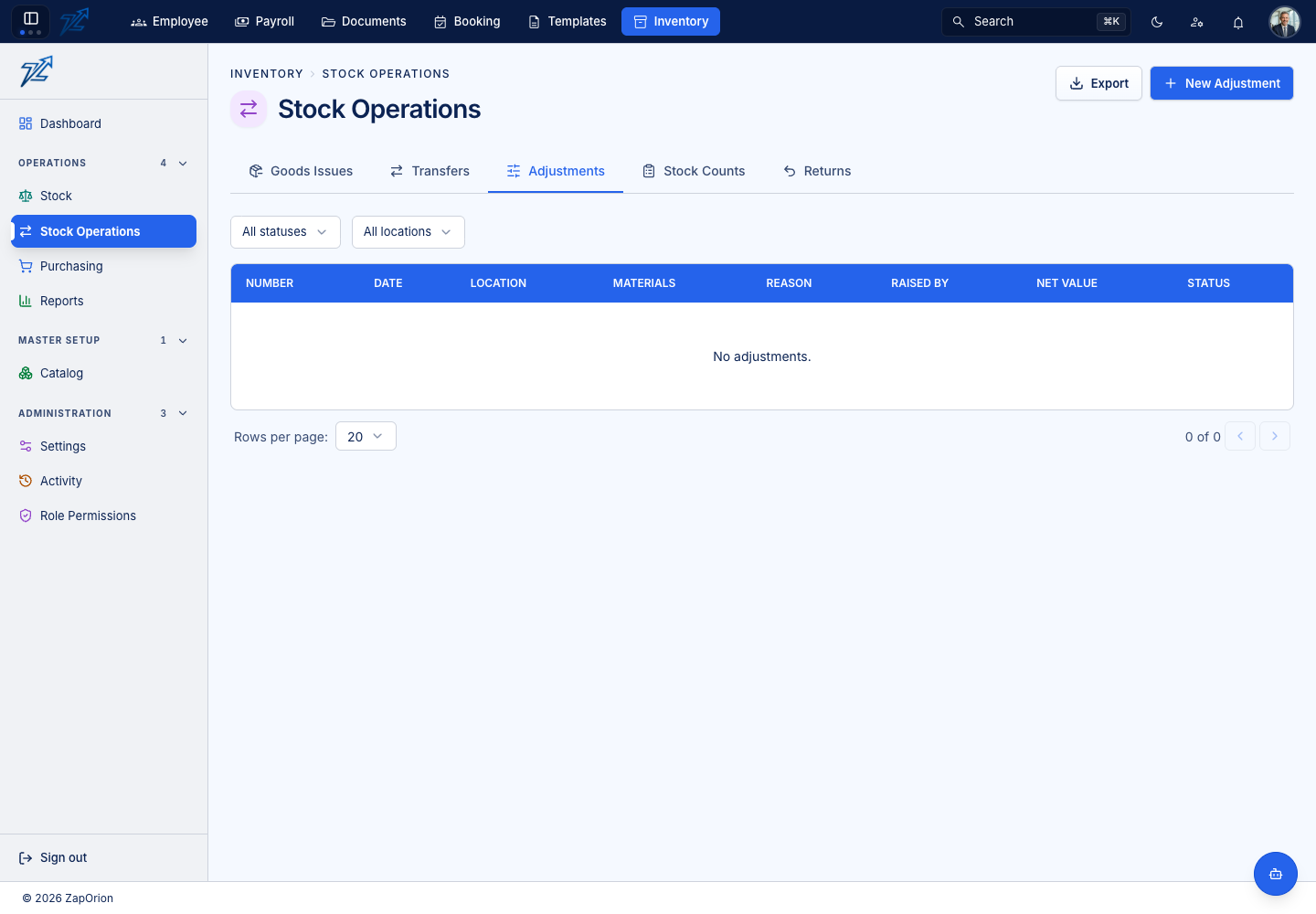
The list shows Number, Date, Location, Materials, Reason, Raised by, Net value and Status (Pending, Approved or Rejected); filter by status and location.
Raising an adjustment
New Adjustment asks for a Location and a Reason (required) — choose one of Damaged, Expired, Lost / missing, Found, Data correction, Quality write-off or Other, or type your own — and optional Remarks. Then add lines: for each, the material and batch and the change (an increase or a decrease). The page shows the Net value of the adjustment.
Approval
An approver opens the adjustment and chooses Approve or Reject (each with a confirmation). Approving posts the changes to stock; rejecting leaves stock untouched. The page records who raised and who approved it, and an adjustment produced by a stock count shows its Source.
Approvers are emailed when an adjustment is waiting, and the person who raised it is told the outcome (see Settings → Notifications). Write expired stock off with an adjustment: expired batches cannot be issued, but they can be adjusted out.