Goods issues
Operations → Stock Operations → Goods Issues — stock going out for something other than a transfer: a sale, internal use, a sample or scrap. Needs issue:manage (or stock:write). Issues are numbered ISS-.
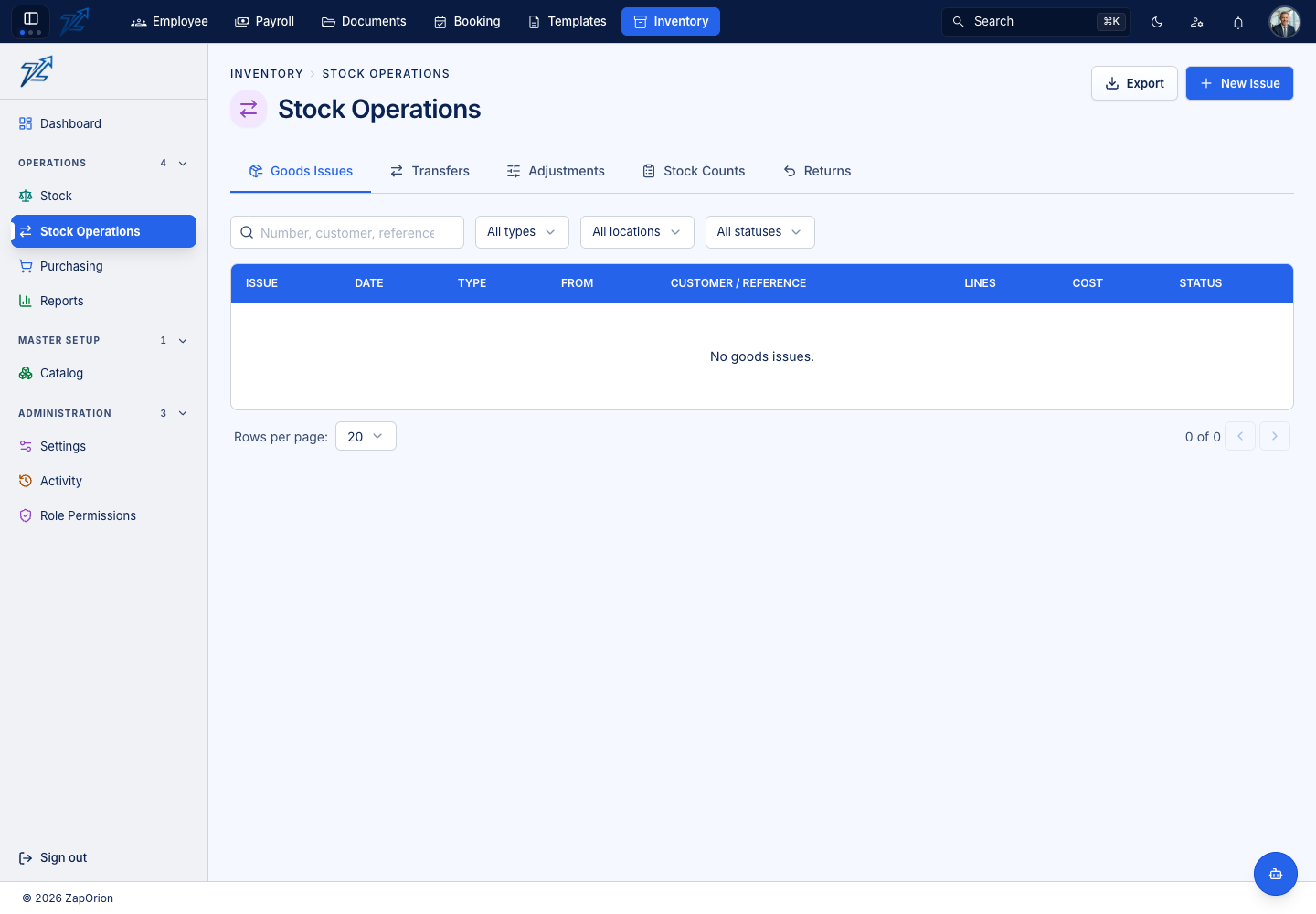
The list
Columns: Issue, Date, Type, From, Customer / Reference, Lines, Cost and Status. Filter by type, location and status; Export downloads the list and New Issue starts one.
Raising an issue
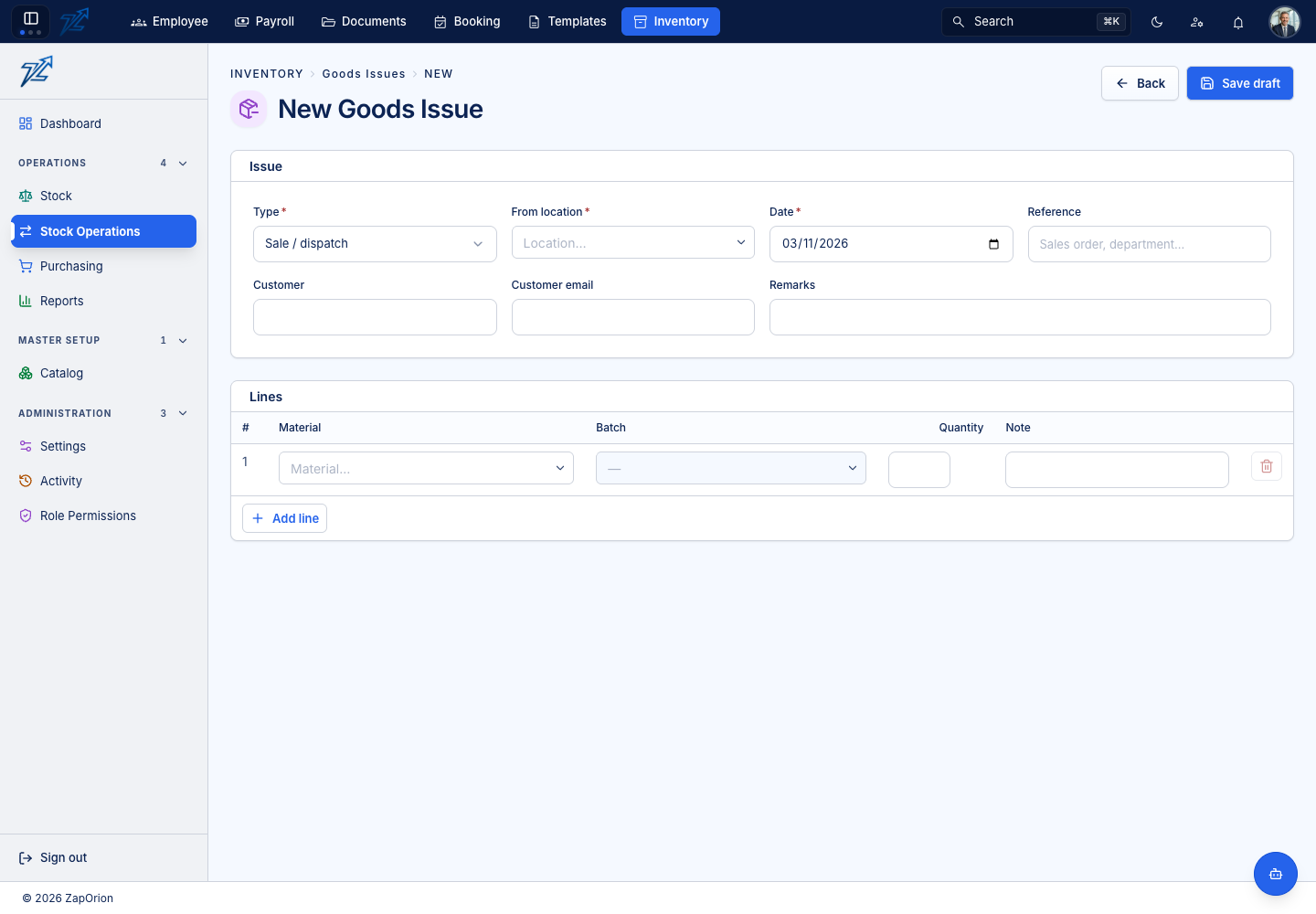
Issue — Type * (Sale / dispatch, Internal use, Sample, Scrap or Other), From location *, Date *, Reference (a sales order or department), and — for a sale — the Customer and Customer email, plus Remarks.
Lines — for each line choose the Material, the Batch (where the material is batch-tracked), the Quantity and an optional Note; Add line adds more. You cannot issue more than is available at that location, and an expired batch cannot be issued while Block expired batches is on.
Save draft keeps it editable. Nothing has left stock yet.
Posting
Open the issue and press Post. Stock goes out of the location, the issue is stamped with its Posted time and its Cost is calculated from the cost of what left. A sale to a customer can email the customer when posted (the Delivery note email — see Settings). A posted issue cannot be edited; a draft can be Edited or Cancelled.
Customer returns
On a posted issue, Customer return starts a return against it, so the goods come back against the right document.