Returns
Operations → Stock Operations → Returns — goods going back to a supplier, or coming back from a customer. Needs return:manage (or stock:write). Returns are numbered RTN-.
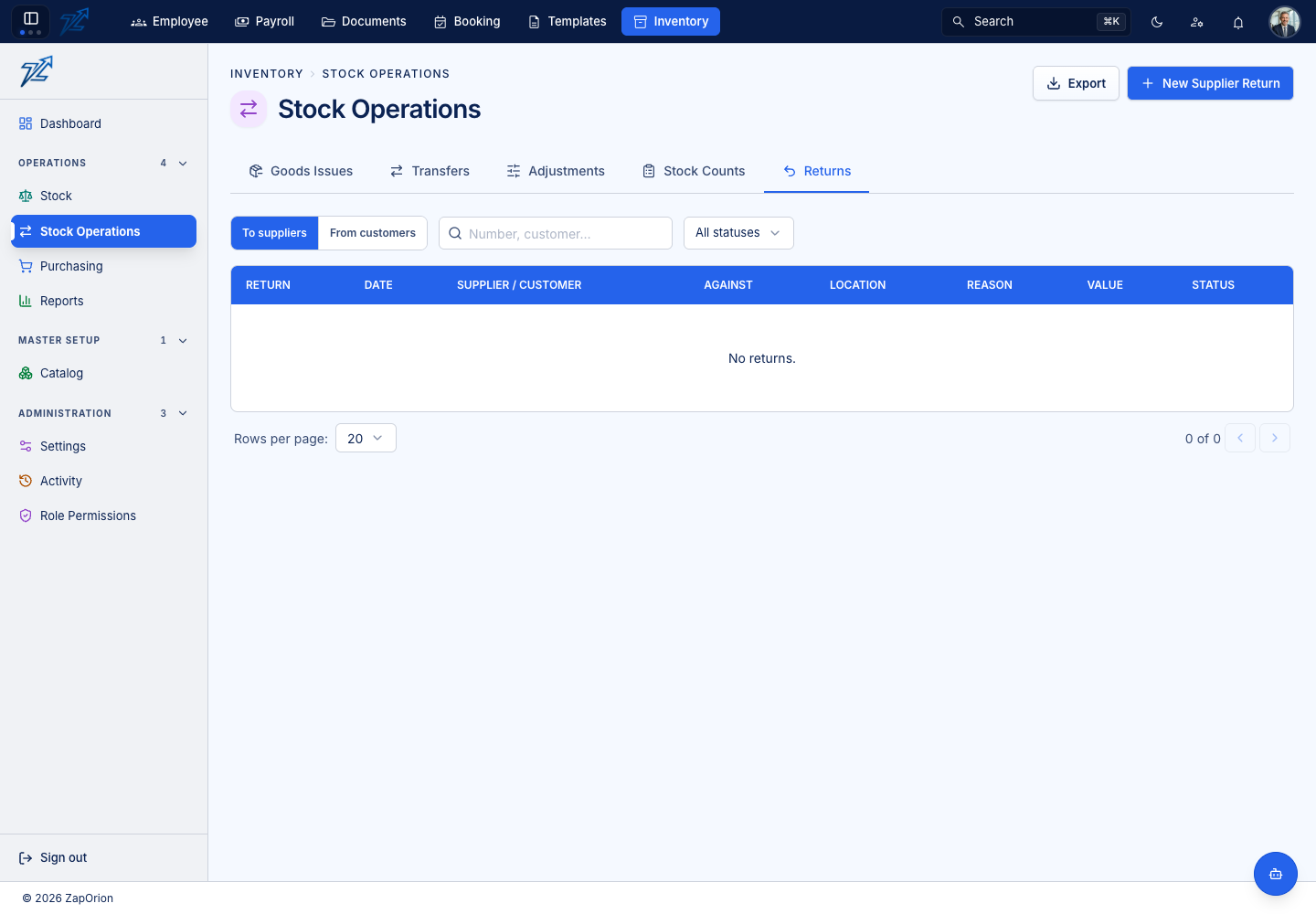
Switch between To suppliers and From customers. The list shows Return, Date, Supplier / Customer, Against (the receipt or issue it relates to), Location, Reason, Value and Status (Draft, Posted, Cancelled).
Returning goods to a supplier
New Supplier Return records goods leaving for a supplier — typically rejected goods from a goods receipt. On a posted receipt, Return rejected goods starts the return with those lines. Choose the Supplier, Location and Date, give a Reason (for example damaged, wrong item or expired) and add lines. Post takes the stock out, and the supplier can be emailed with purchasing copied.
Receiving goods back from a customer
On a posted goods issue, Customer return starts a return from the customer against it. Each line carries a Condition — good goes back into stock, damaged is recorded as damaged stock. Post brings the stock in.
Draft and posted
Like other documents, a return is a draft until posted: a draft can be Edited or Cancelled; Post moves the stock and the return keeps its Posted time and Value.