Stock counts
Operations → Stock Operations → Stock Counts — a physical count of a location, reconciled against the system. Needs count:manage. Counts are numbered CNT-.
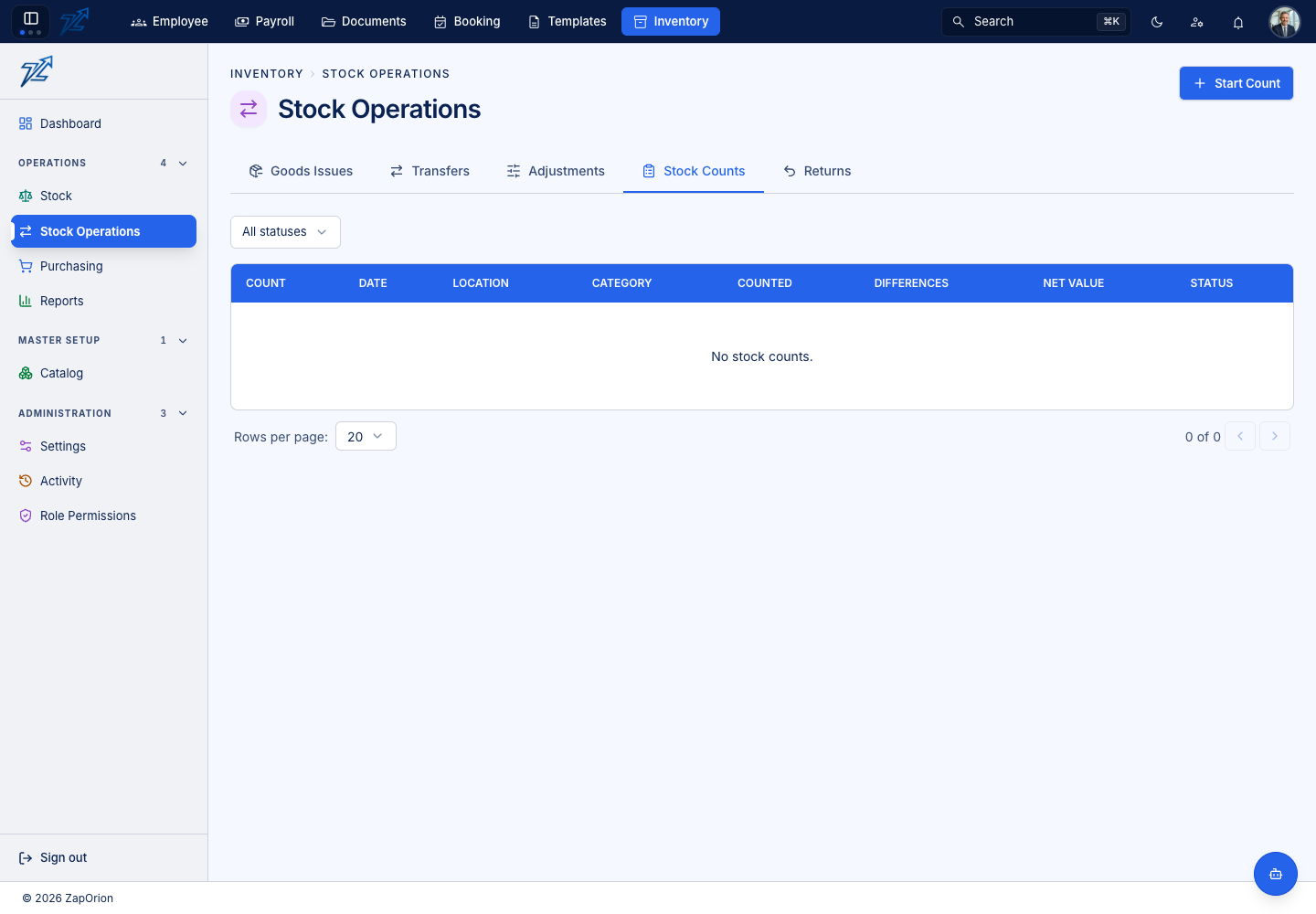
The list shows Count, Date, Location, Category, Counted, Differences, Net value and Status, filterable by status.
Starting a count
Start Count opens a small form: the Location, the Count date, a Category (or All materials) to limit what is counted, and Blind count:
- No — counters see the system figure.
- Yes — hide it until submitted. Counters cannot see the expected quantity, so they count rather than confirm.
Starting a count takes a snapshot of the system quantities to count against.
Counting
The count's page lists each line: Material, Batch, System, Counted, Difference and Value. Enter what you counted on each line. If you find stock not listed, add the material found at this location. Submit sends the count for approval; the status moves Counting → Submitted.
Approval
An approver reviews the differences and either Approves — which creates one approved adjustment for all the differences and updates stock — or Sends back for a recount, returning it to Counting. The person who counted cannot approve their own count unless Self-approval is on. The count then shows the Adjustment it produced. A count can be Cancelled before approval.
Approvers are emailed when a count is submitted, and the counter when it is approved or sent back.