Transfers
Operations → Stock Operations → Transfers — moving stock between two locations. Needs transfer:manage. Transfers are numbered TRN-.
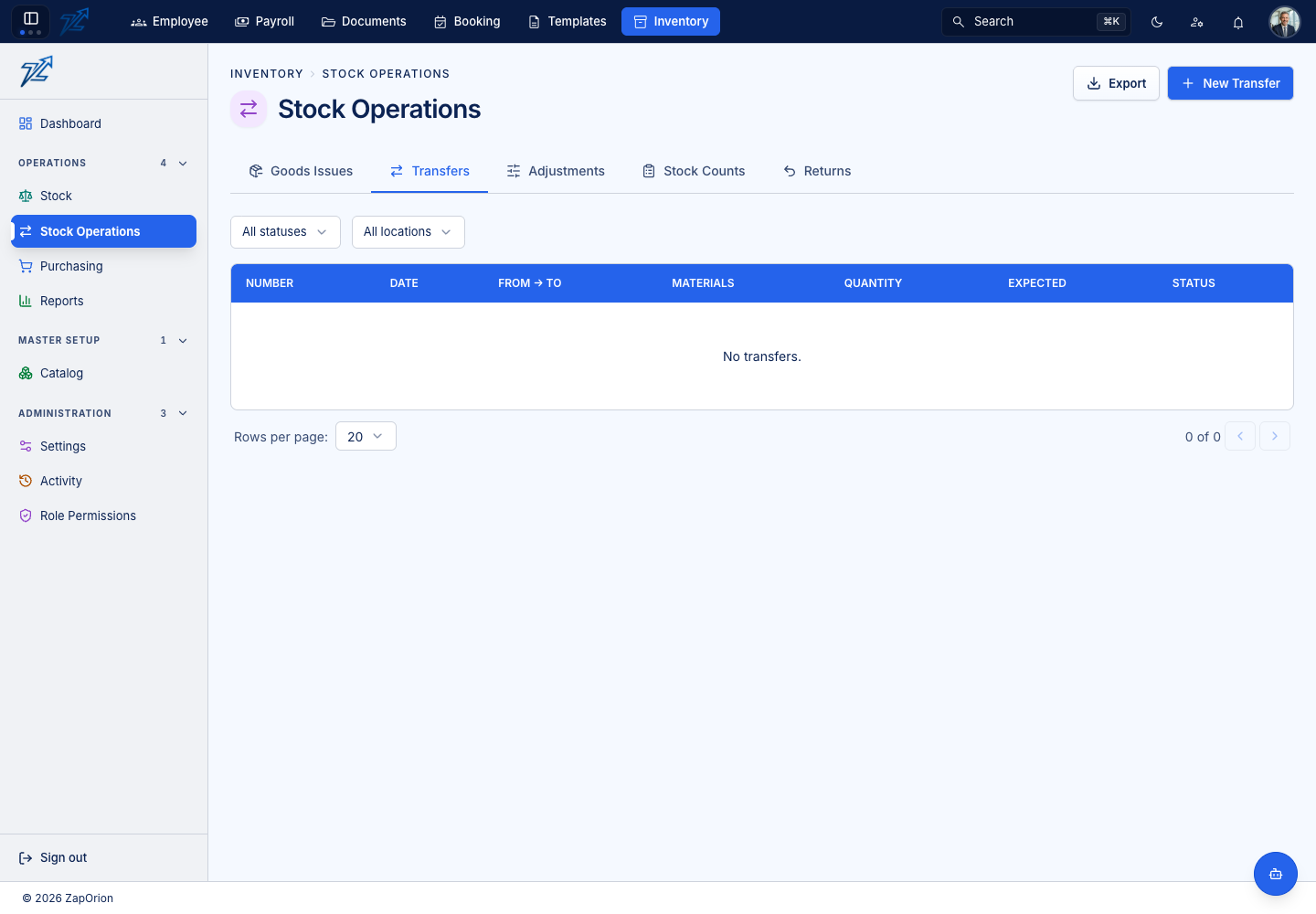
The list shows Number, Date, From → To, Materials, Quantity, Expected and Status, with filters for status and location.
Raising a transfer
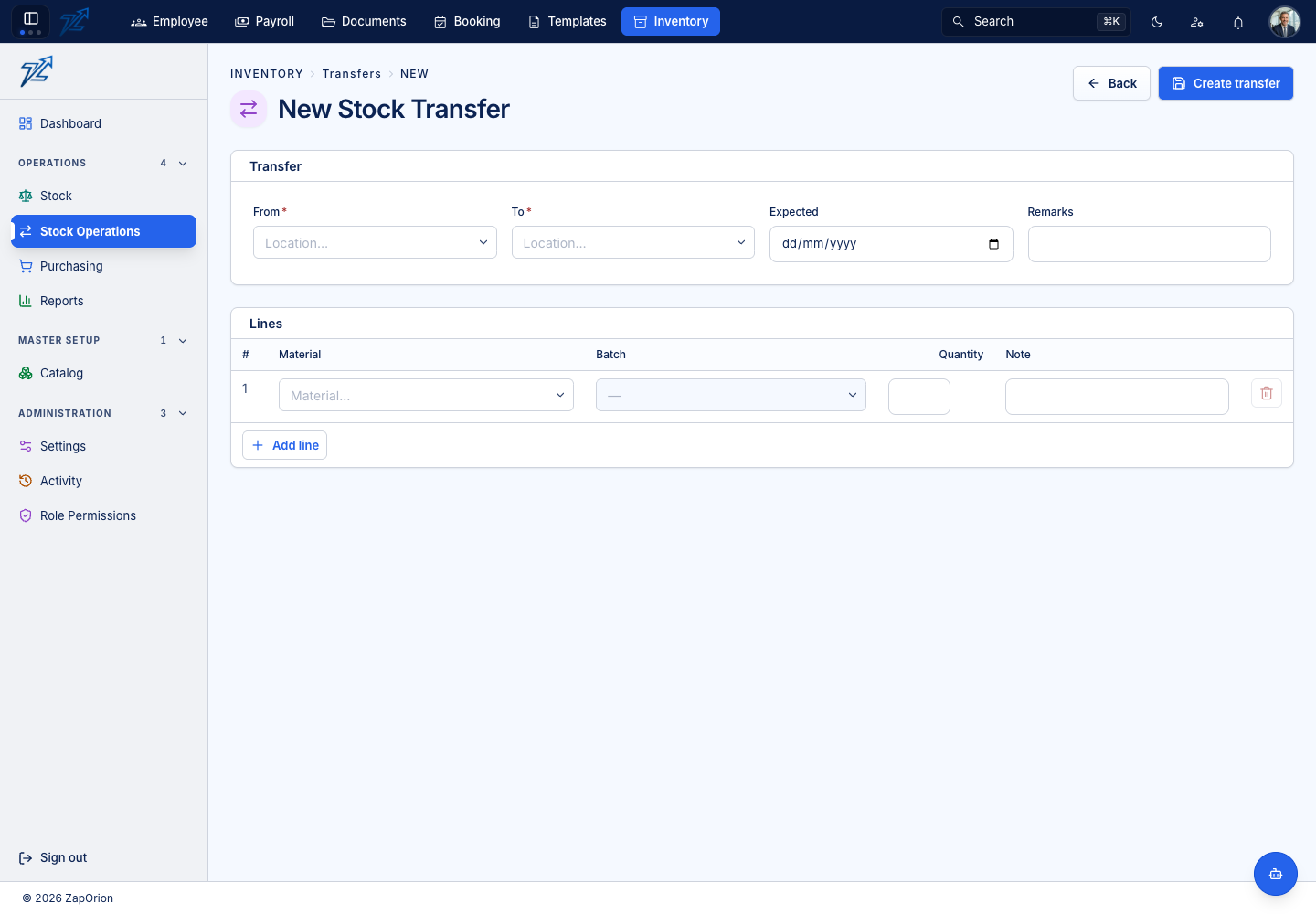
Transfer — From * and To * locations, an Expected arrival date and Remarks. Lines — material, batch, quantity and a note. Create transfer saves it as Pending.
The three steps
| Status | What you can do |
|---|---|
| Pending | Dispatch takes the stock out of the sending location; it is in transit. Or Move now moves it in one step, when the goods go straight across. Cancel abandons it. |
| In transit | Receive — enter what arrived. Anything short is written off in transit and recorded as the transfer's Shortage. Cancel puts the stock back into the sending location. |
| Completed | Done. The page shows who raised it, when it was Dispatched and Received, and the shortage if any. |
Stock in transit is on neither location's balance; it shows on the dashboard's In transit counter and on the In transit report. Store teams and the receiving location's contact can be emailed on dispatch and receipt (see Settings).