Goods receipts
Operations → Purchasing → Goods Receipts — recording that goods have arrived. Posting a receipt is what puts stock in. Needs receipt:manage. Receipts are numbered GRN-.
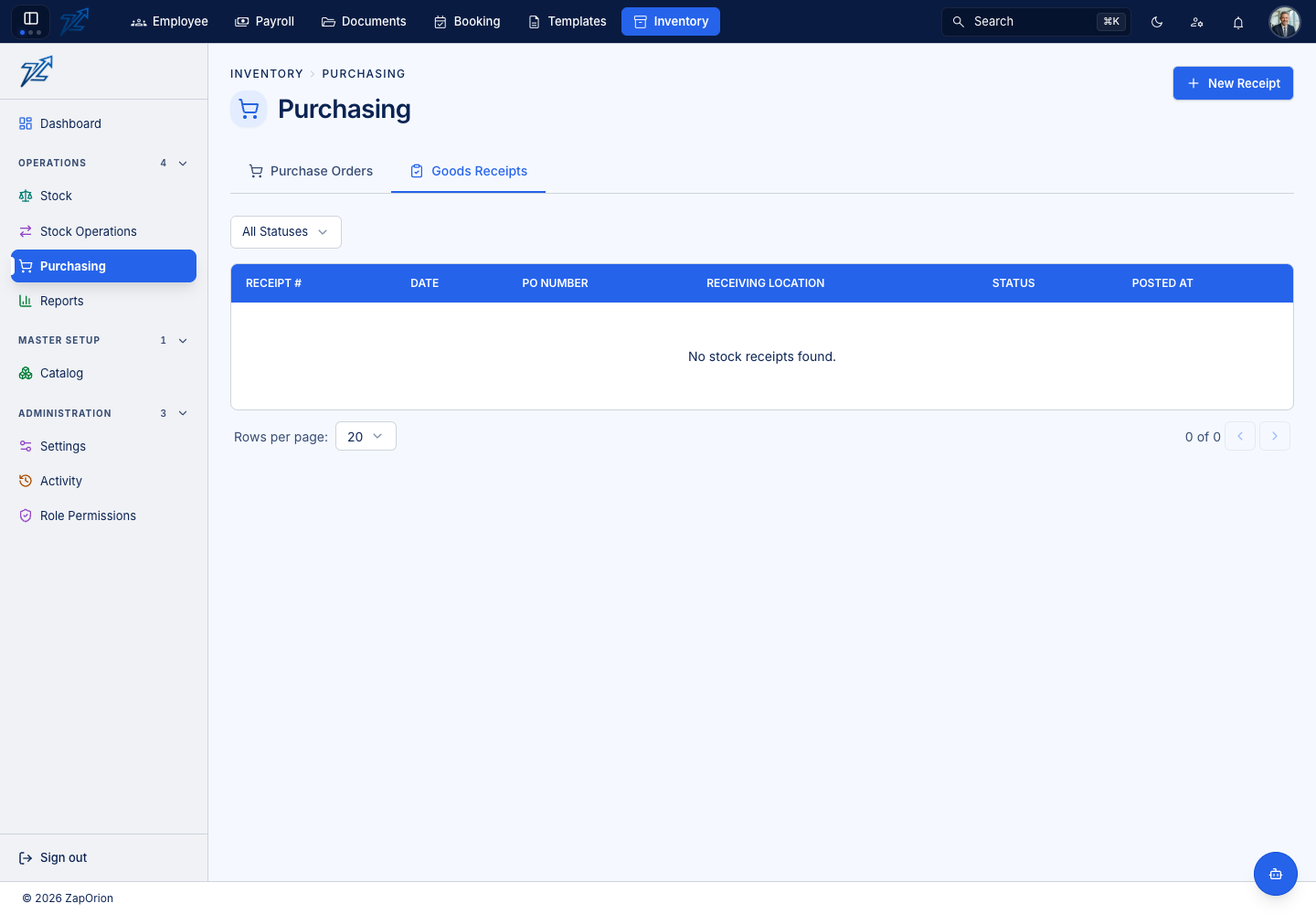
The list shows Receipt #, Date, PO number, Receiving location, Status and Posted at; filter by status.
Receiving goods
New Receipt (or Receive goods on an order). If it is against an order, pick the Purchase order: its open lines are offered, with what is Open to receive. You can also receive with no purchase order picked.
Receipt — Received at (location) *, Date and Remarks (a delivery note or vehicle number). Lines — for each material:
- Received — the quantity that arrived and is accepted.
- Rejected and Why rejected — goods that arrived but are not accepted.
- Batch / lot, Made and Expires — for batch-tracked materials. If you leave the expiry empty it is worked out from the material's shelf life.
The receipt starts as a Draft.
Posting
Post GRN puts the accepted quantity into stock at the receiving location, at the discounted cost in the base unit, and updates the purchase order (Partially received or Received). Purchasing and the buyer are emailed. Cancel Receipt abandons a draft.
Rejected goods
On a posted receipt, Return rejected goods starts a supplier return for what you did not accept, so it leaves your books against the right document.