Balances and movements
Operations → Stock — the stock ledger. Needs stock:read. Its tabs are Balance, Movements, Low Stock, Batches and Reservations; the last three appear when you hold the matching permission. This page covers the first two plus opening stock; the rest are in Batches and reservations and Reorder rules.
Balance
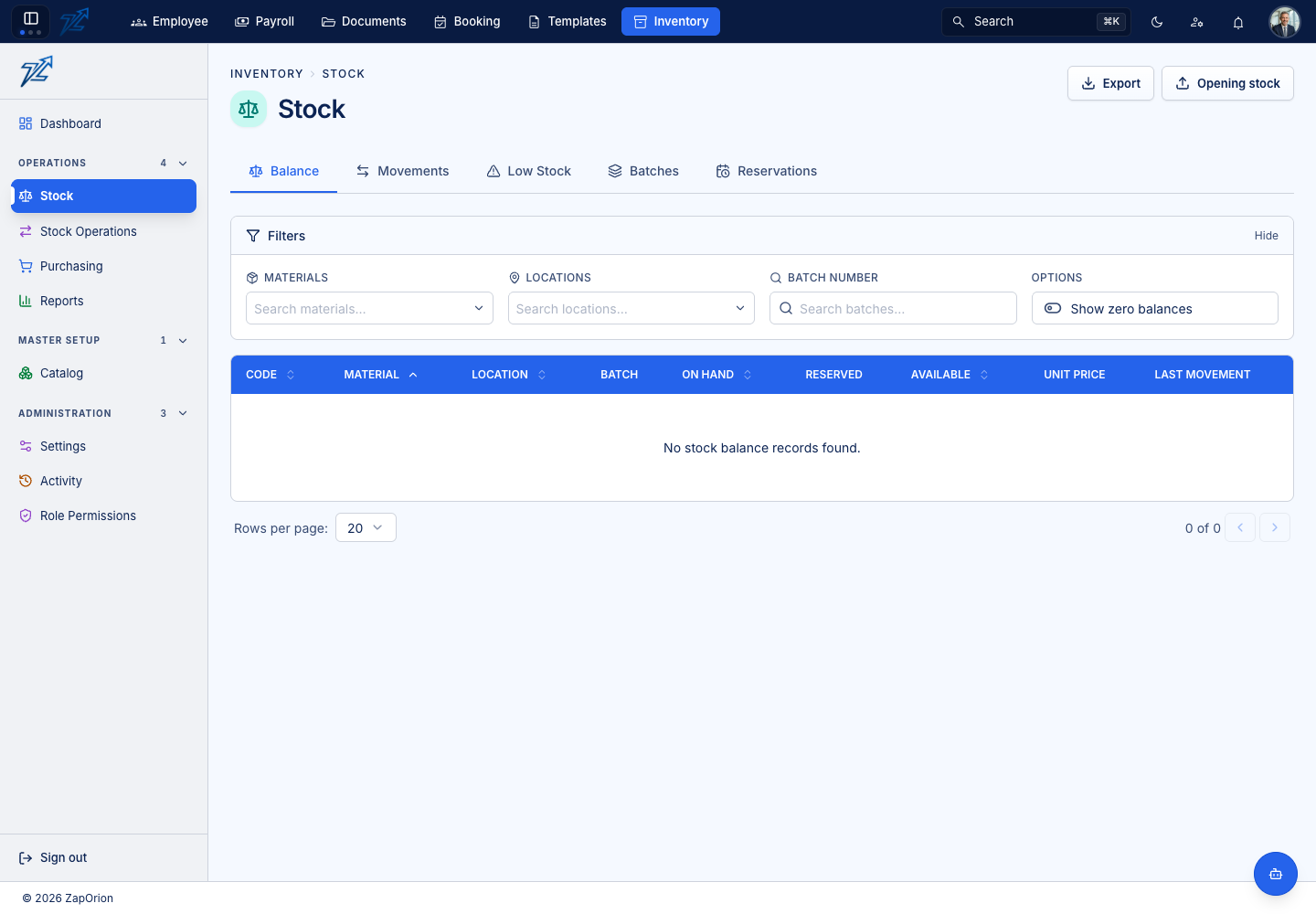
One row per material at a location (and batch, where tracked):
| Column | Meaning |
|---|---|
| Code / Material | The material |
| Location | Where it is held |
| Batch | Batch or lot number, where tracked |
| On hand | Physical quantity |
| Reserved | Quantity set aside for a reservation |
| Available | On hand less reserved — what can still be issued |
| Unit price / Value | Unit cost and the value of the row |
| Last movement | When the balance last changed |
Open Filters to narrow by Materials, Locations and Batch number, and use Options → Show zero balances to include rows that have run out. Clear all removes the filters; the active ones are shown as chips. Export downloads what is on screen.
Movements
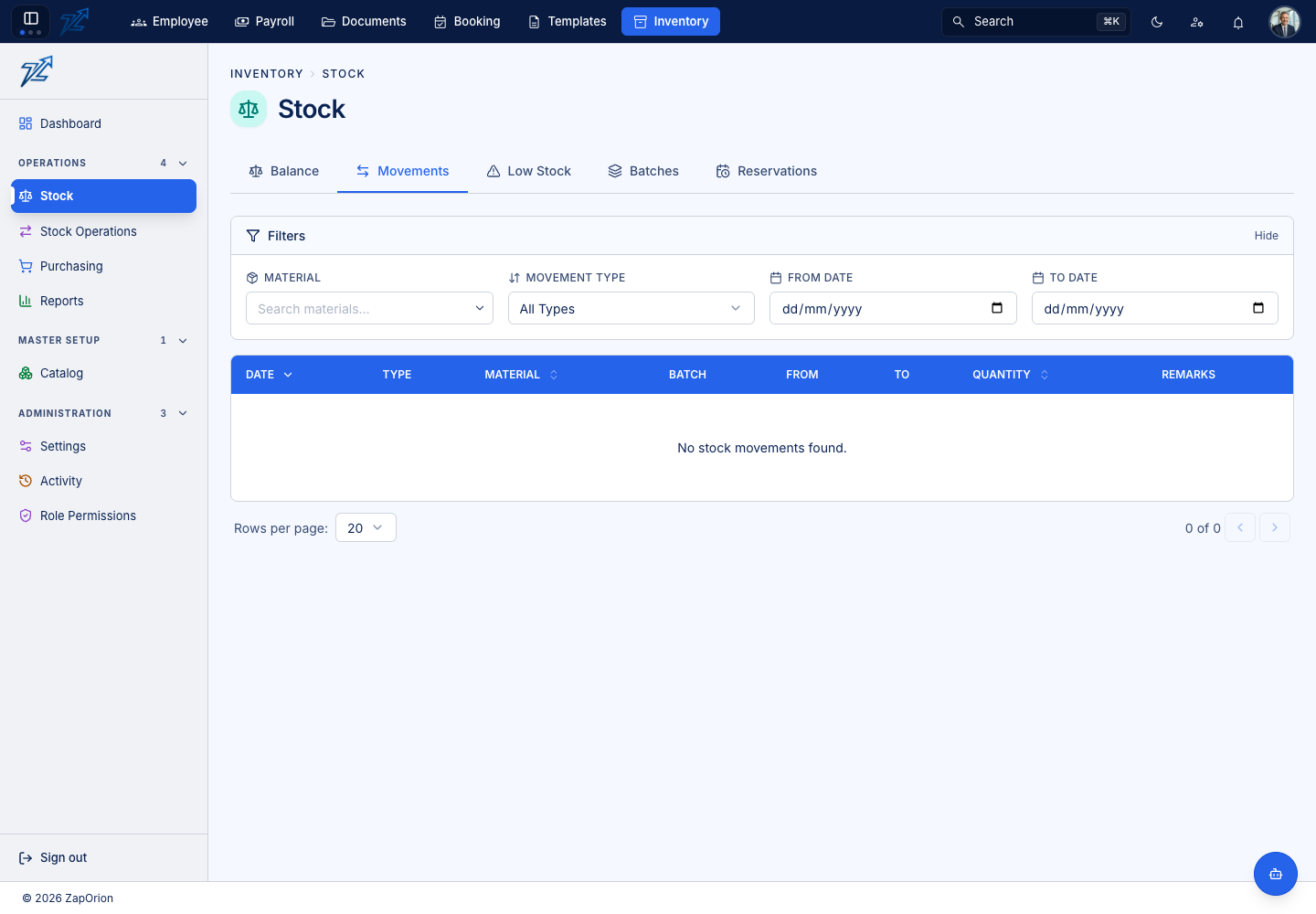
The ledger of every change: Date, Type, Material, Batch, From (the location), Quantity and Remarks. Filter by Material, Movement type and a From / To date. Each movement is the result of a posted document — a receipt, issue, transfer, return, adjustment or count — and can be traced back to it.
Opening stock
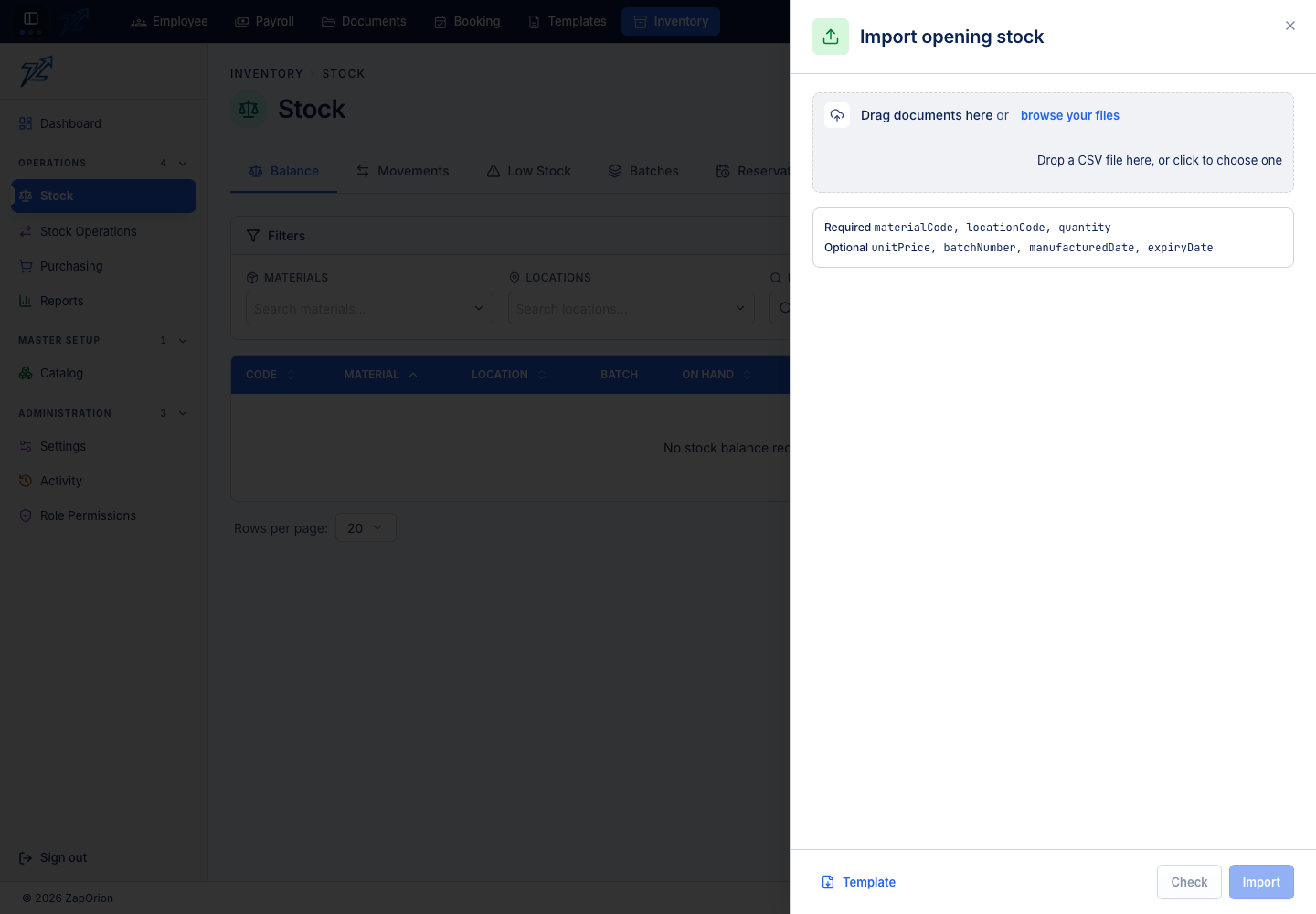
Opening stock (top right of the Balance tab, for people with stock:write or inventory:admin) loads starting balances from a spreadsheet. Download the template, fill it and choose the file. The panel lists the columns it reads — required: materialCode, locationCode, quantity; optional: unitPrice, batchNumber, manufacturedDate, expiryDate. Press Check first: it validates every row without changing anything and reports which are valid and which are refused. Then Import N rows posts them. See Importing data.