Batches and reservations
Both are tabs on Operations → Stock.
Low Stock
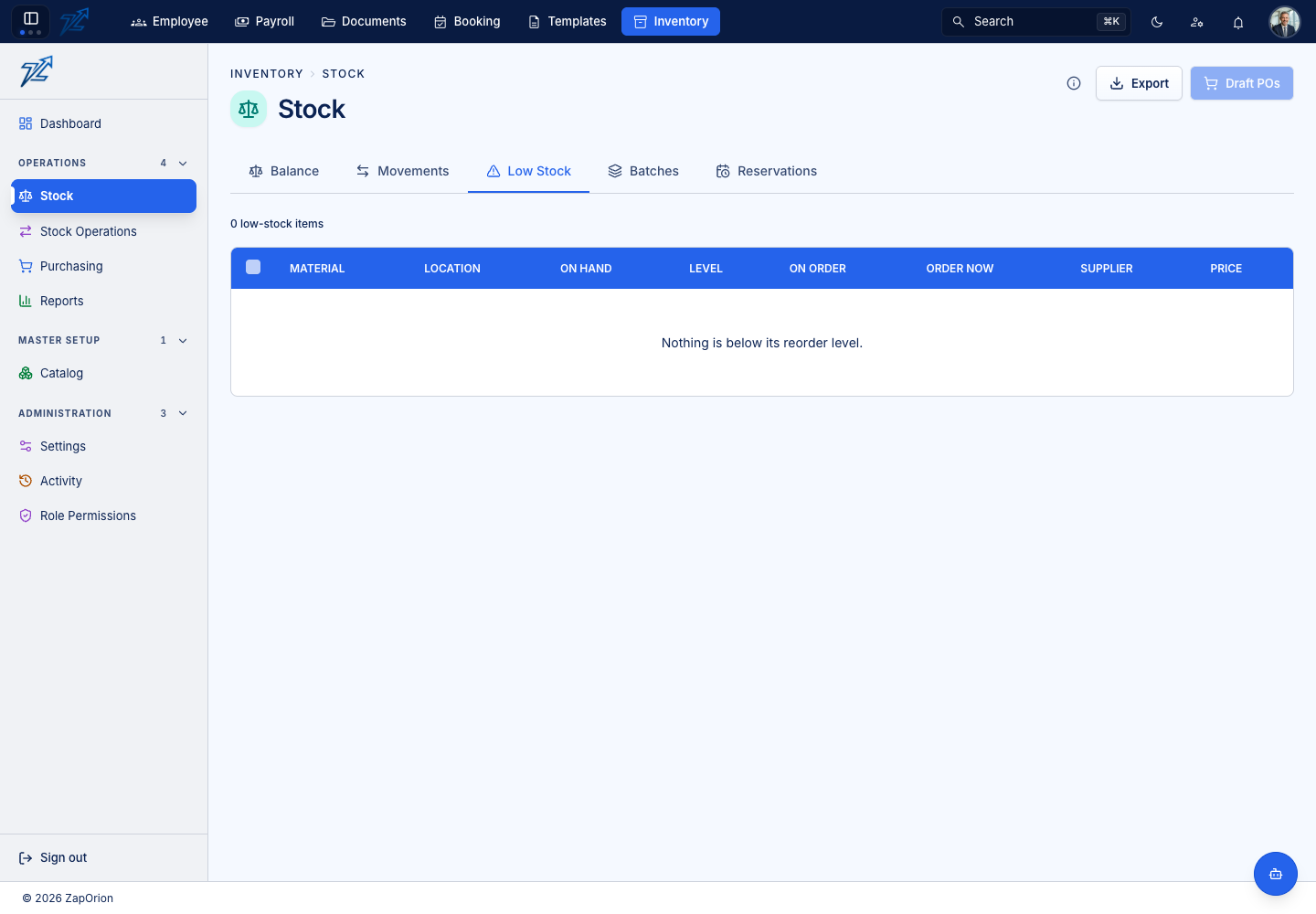
Needs reorder:manage. Lists each material that is at or below its reorder level: Material, Location, On hand, Level, On order (quantity already on open purchase orders, so you are not prompted to order twice), Order now (suggested quantity), Supplier and Price. Nothing is below its reorder level when all is well.
You can draft purchase orders directly from the alerts: they are created as drafts for you to review, edit and send. A daily digest email of low stock can also be sent (see Settings → Notifications).
Batches
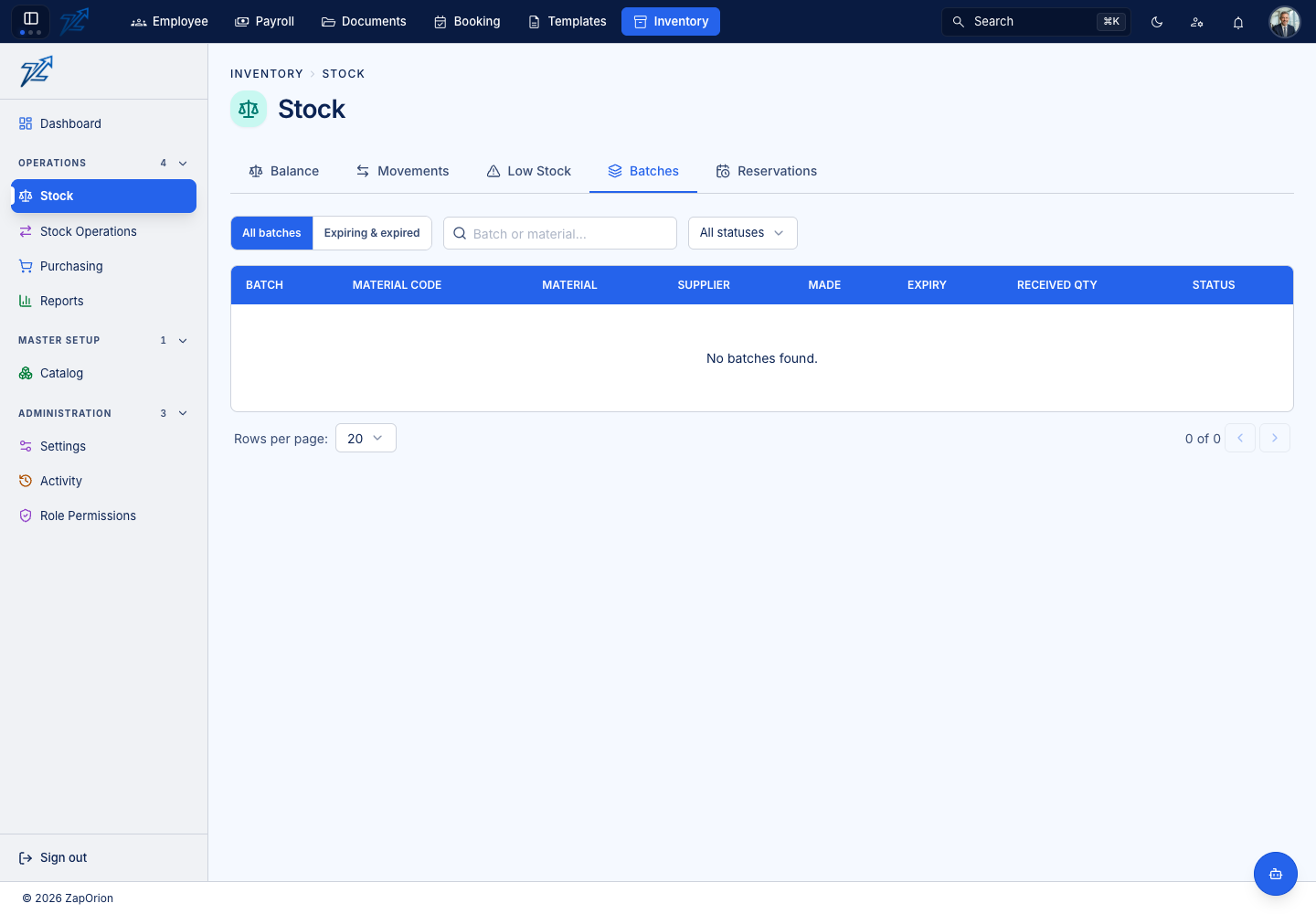
Needs batch:manage. Batches hold lot-level traceability: Batch, Material, Supplier, Made, Expiry, Received qty, Status, Location, On hand and Value. Filter between All batches and Expiring & expired, with a Window (how many days ahead to look), or search by batch or material. Nothing in stock expires in this window is the good answer.
An expired batch cannot be issued or reserved while Block expired batches is on in Settings; it can still be written off through an adjustment or returned to a supplier. A daily expiry digest email can be sent to the purchasing and store teams.
Reservations
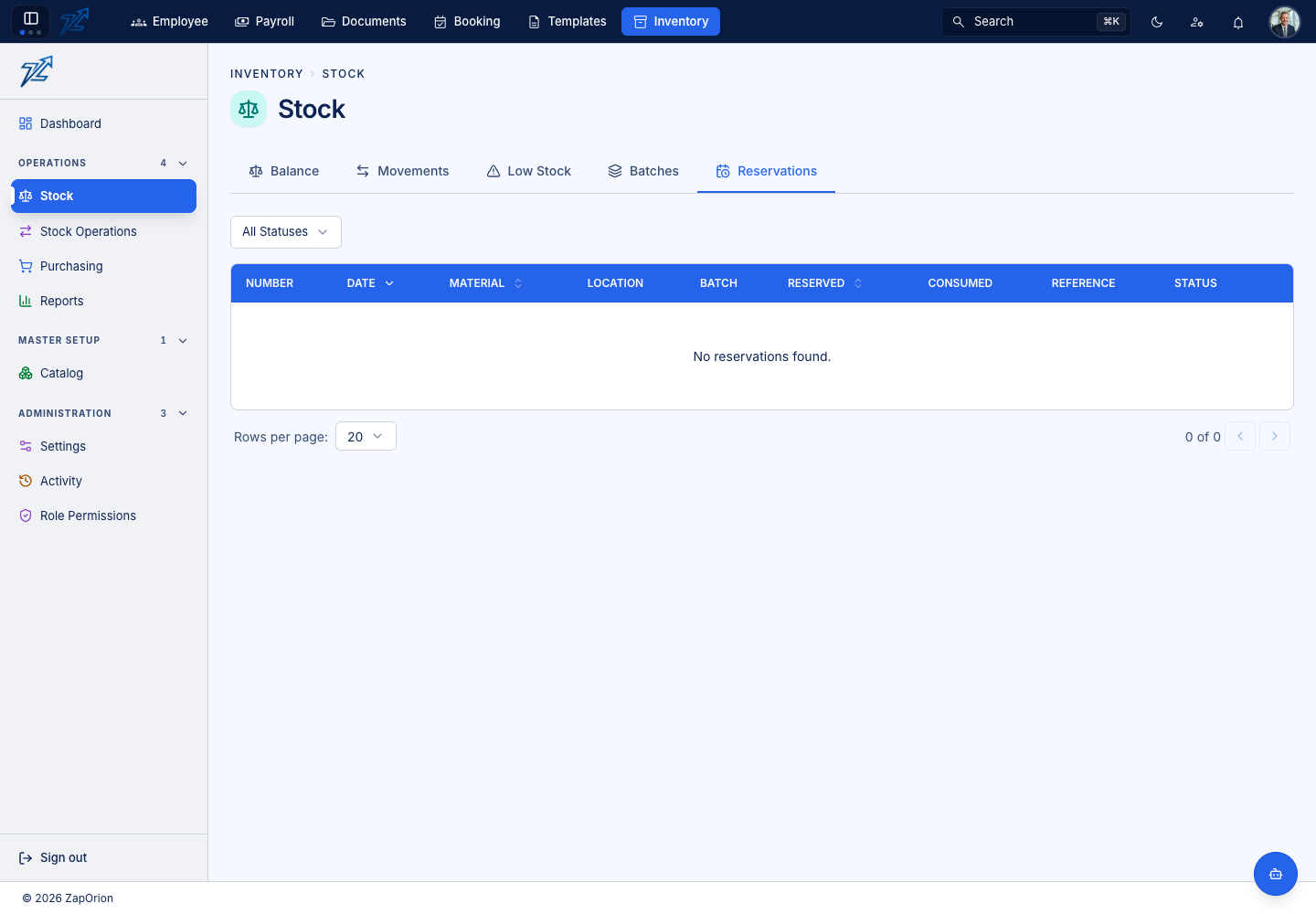
Needs reservation:manage. A reservation sets stock aside so it cannot be issued elsewhere. The list shows Number, Date, Material, Location, Batch, Reserved, Consumed, Reference and Status — Active, Partially used, Completed or Released. Filter by status. Release frees what has not been consumed (after a confirmation), returning it to Available.