Reports
Operations → Reports — five reports over the stock ledger. Needs stock:read. Every report can be filtered and exported to CSV with Export.
Valuation
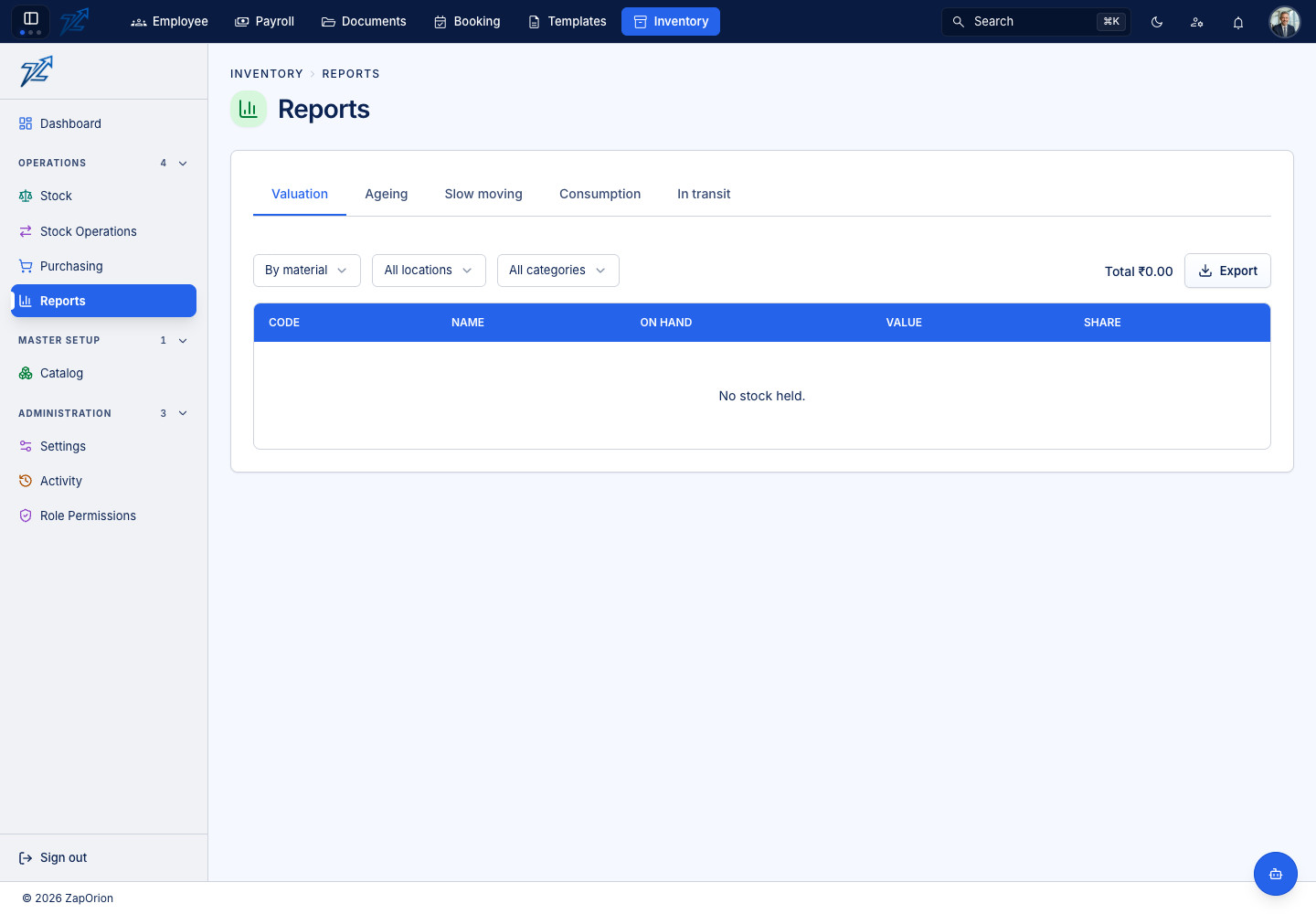
What the stock is worth. Group by material, location or category, and narrow by location and category. By material the columns are Code, Name, On hand, Value and Share of the total; by location or category the quantity column is dropped. The Total is shown above the table.
Ageing
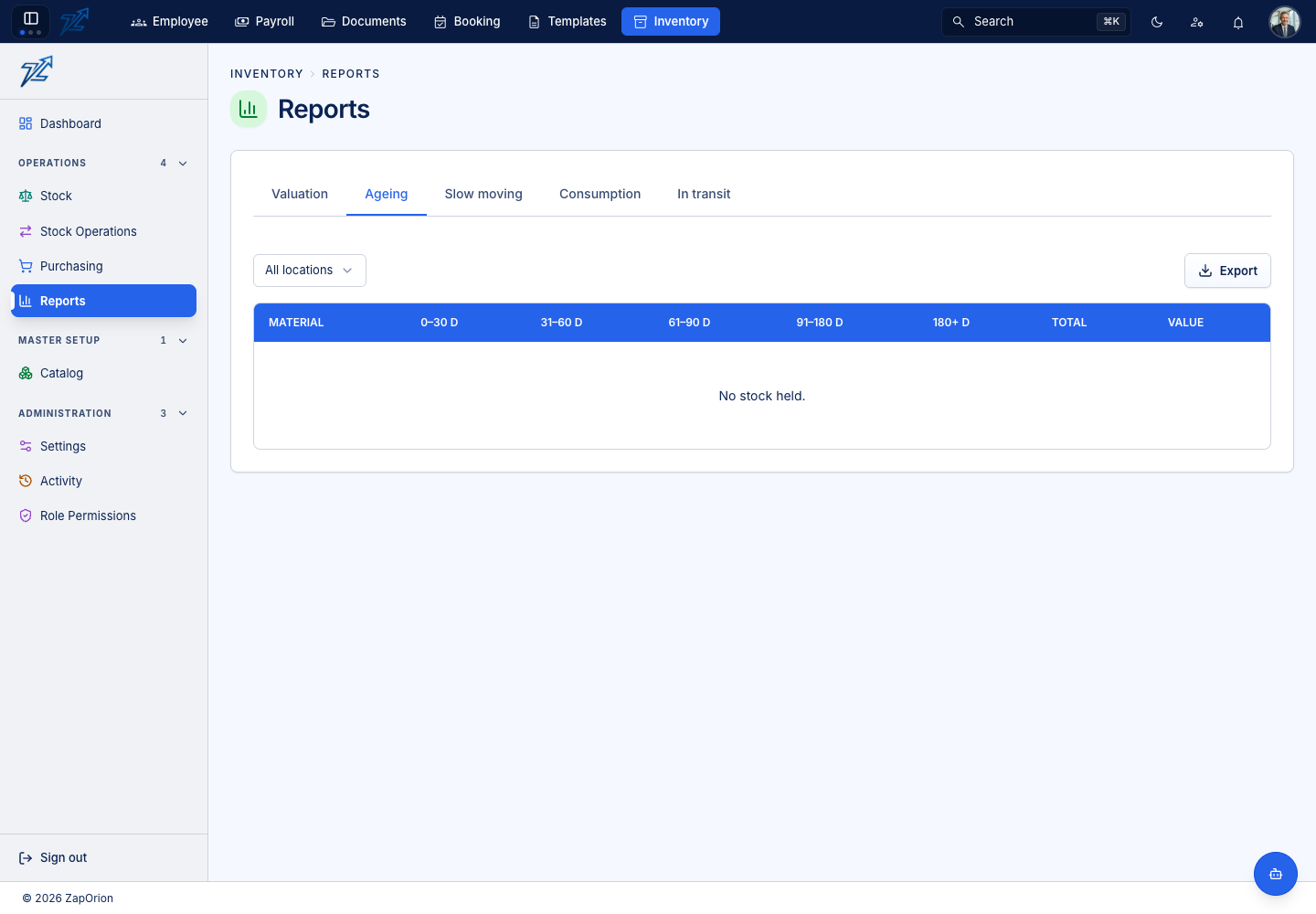
How long stock has been sitting, per material, in bands: 0–30, 31–60, 61–90, 91–180 and 180+ days, with the Total quantity and its Value. Quantity in the oldest band is highlighted. Filter by location.
Slow moving
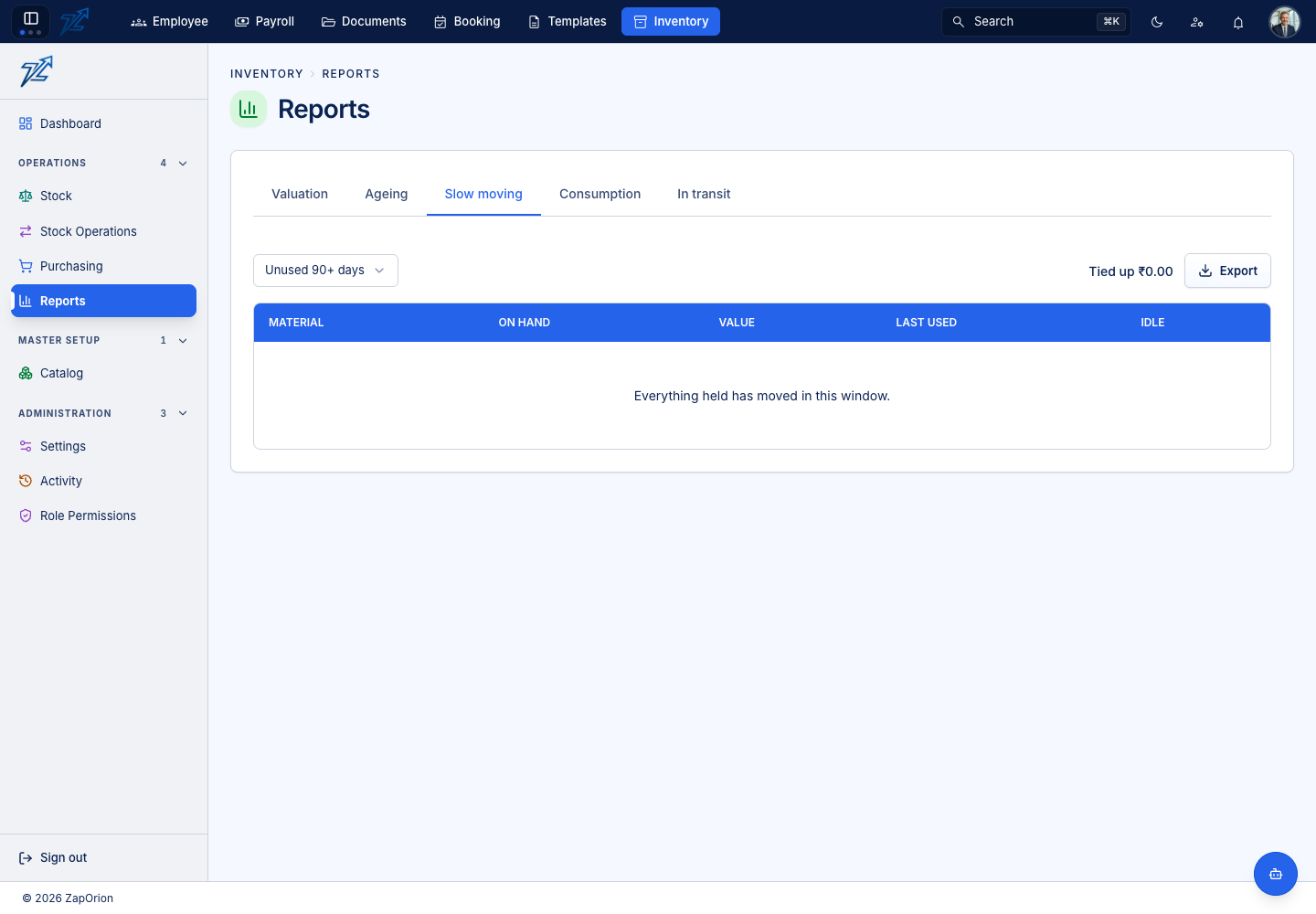
Materials that have not been used for a chosen time. Pick Unused 30+, 60+, 90+, 180+ or 365+ days. Columns: Material, On hand, Value, Last used (Never if it has never been issued) and Idle days. The default threshold for the dashboard and alerts is Slow-moving after (days) in Settings.
Consumption
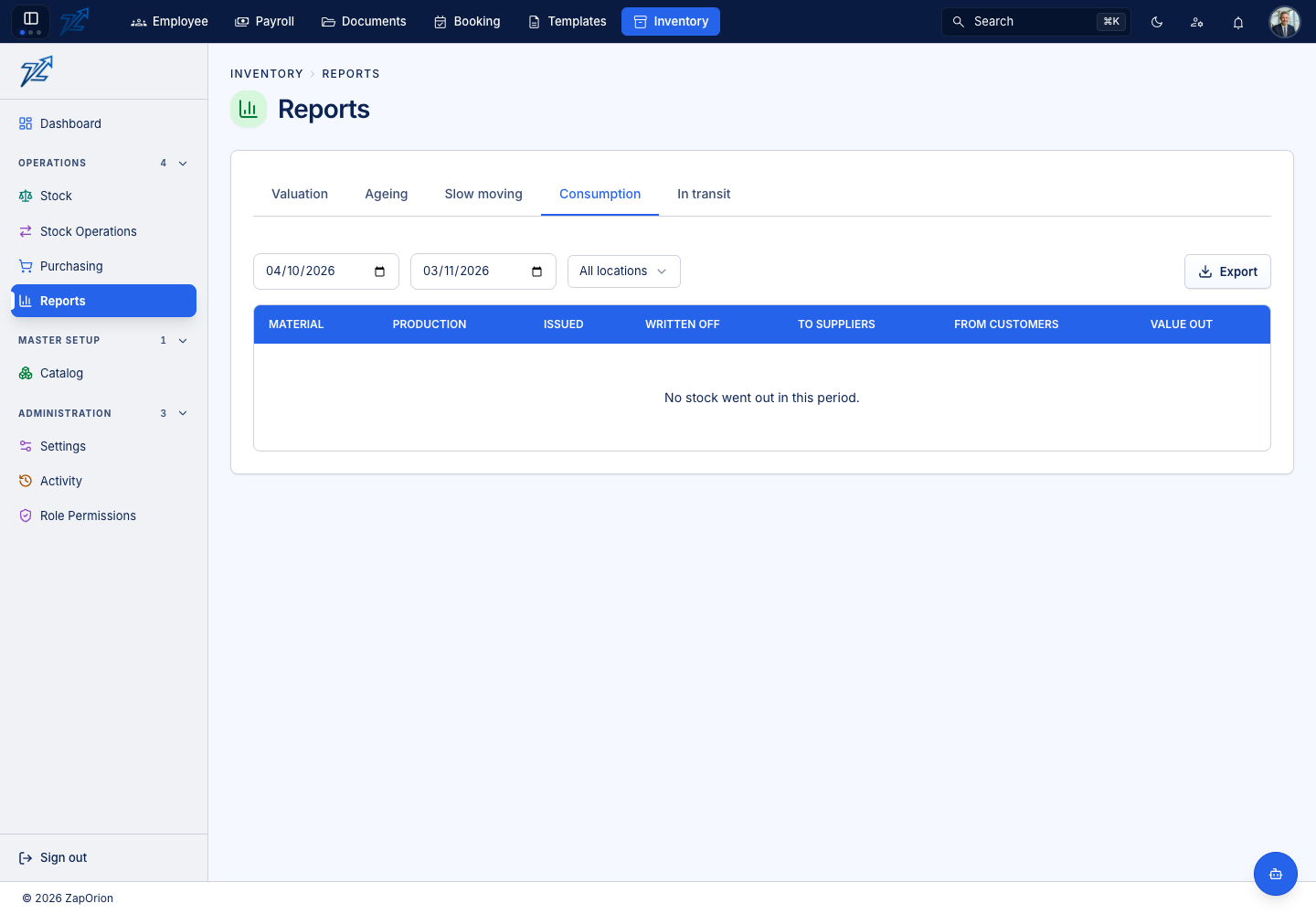
Pick a From and To date. For each material: Production (consumed by manufacturing), Issued, Written off, To suppliers (returned), From customers (returned in) and the Value out.
In transit
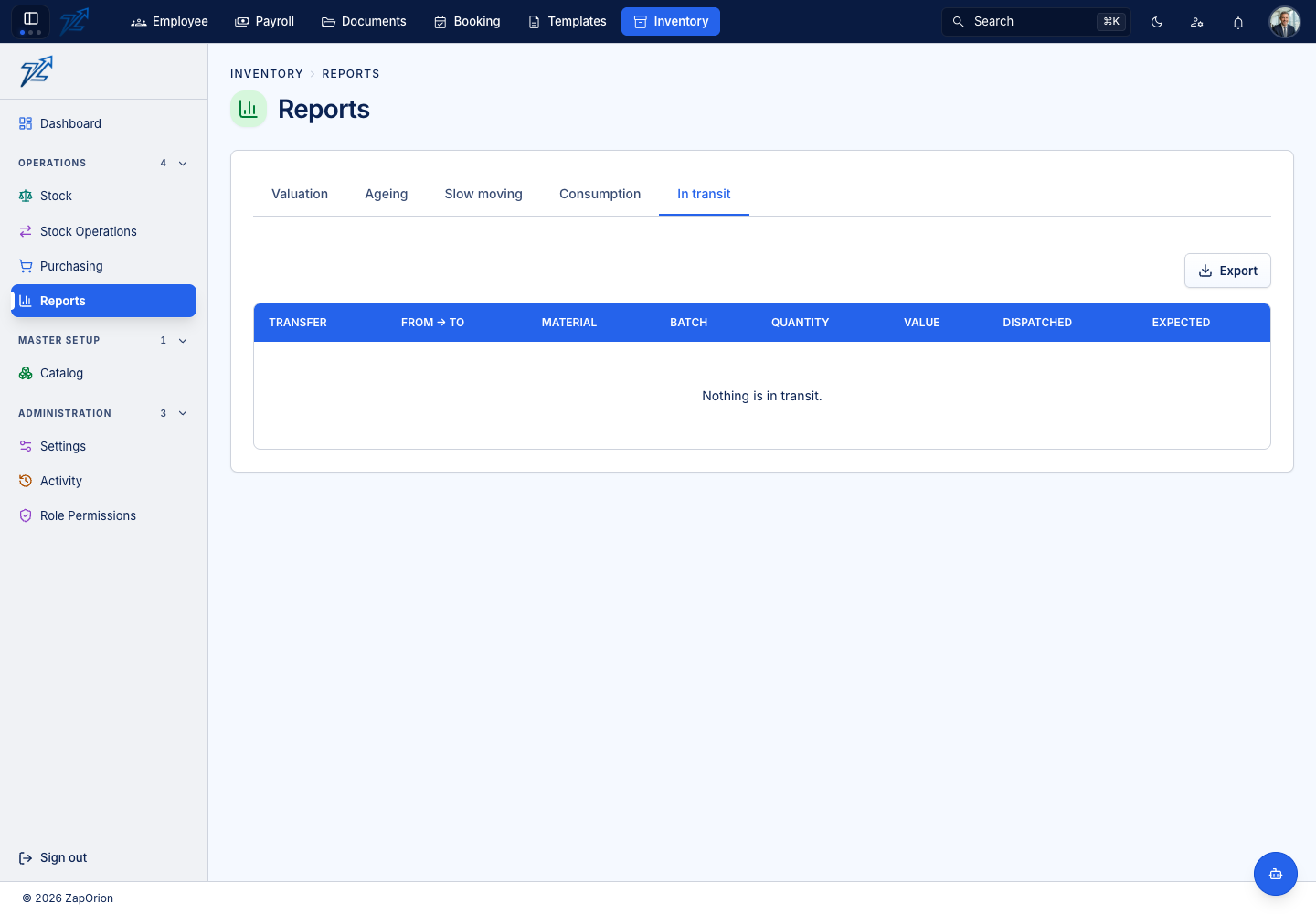
Stock that has left one location and not yet arrived at another: Transfer, From → to, Material, Batch, Quantity and Value.
:::note Empty reports A report with nothing to show says so (for example No stock held). Reports are computed from posted documents, so they fill in as soon as stock is received. :::